
Control / WALKTHROUGH
Connect a device. Try Classic.
Connect using your device code, then choose, change and stop a pattern.
BEFORE YOU START
Have a compatible device powered on as instructed, enable Bluetooth and sign in.
Follow along, step by step.
Choose a timestamp to jump in. Select an image to enlarge it.
- 01
Open your devices
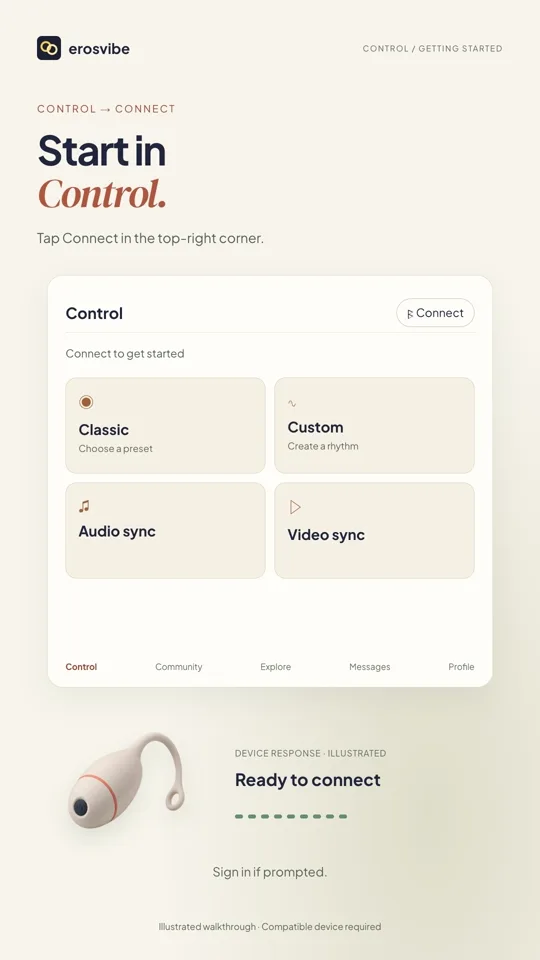
In Control, tap Connect to open My devices, then Add new device.
- 02
Enter your connection code
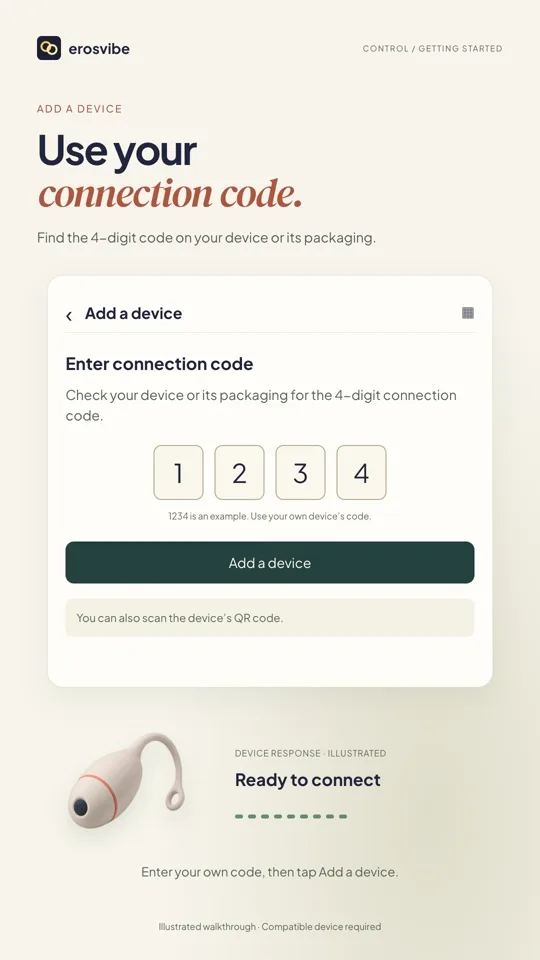
Enter your own four-digit code, tap Add a device and allow the requested connection permissions.
- 03
Choose and change a pattern
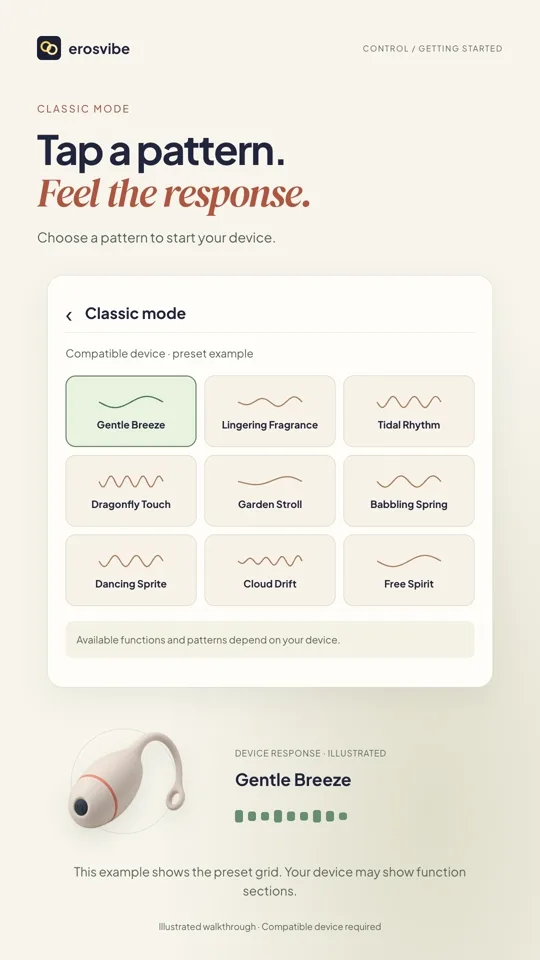
Once connected, return to Control and open Classic. Tap a preset to start, then another to change it.
- 04
Stop the active preset
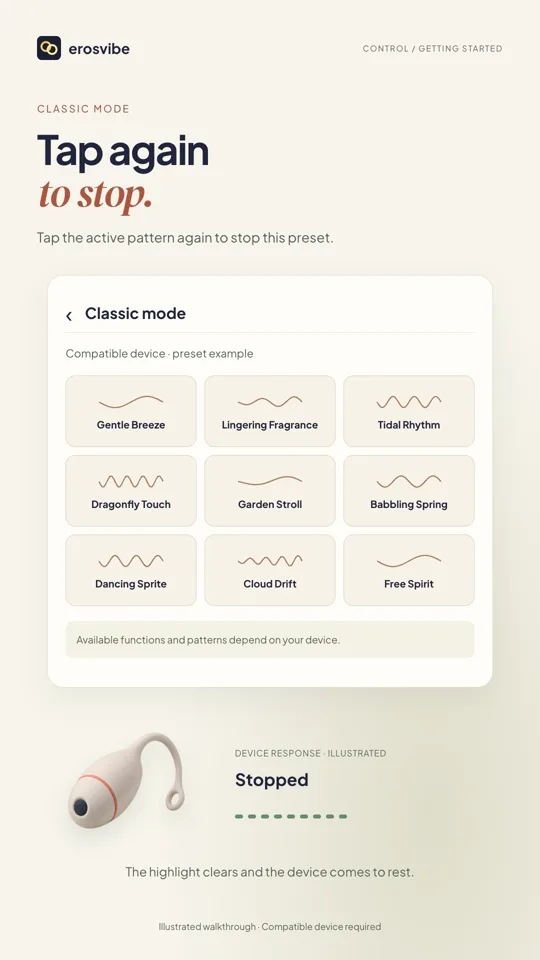
In the illustrated preset grid, tap the selected preset again to stop. Dynamic controls may differ by device.
Keep in mind
Use the connection code on your own device or packaging. Available controls vary by model. If connection fails, check power, permissions and other connected apps.
Read the related manual sectionYou might need next
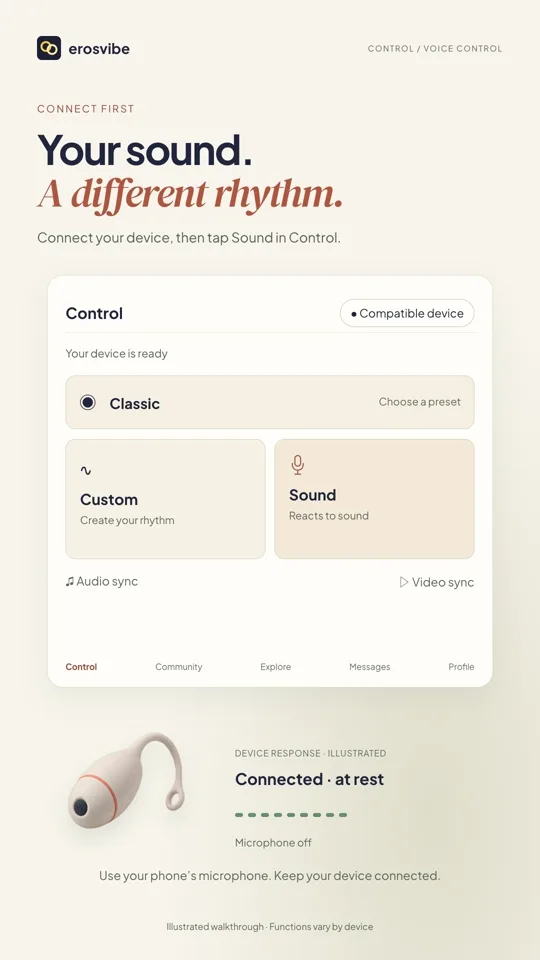 0:54
0:54Video + step-by-step guide
Control with sound
Start the microphone, see the response and stop listening when you choose.
View guide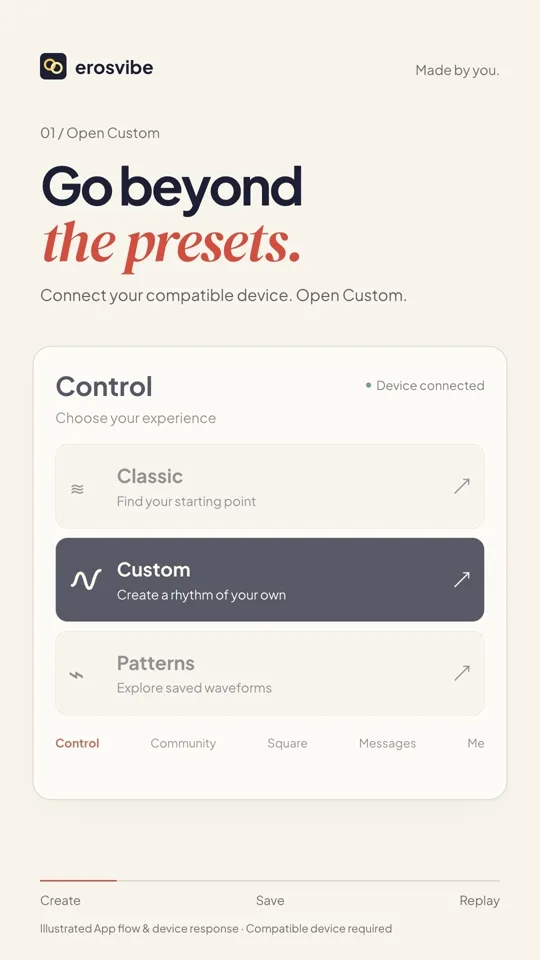 0:52
0:52Video + step-by-step guide
Create and save your rhythm
Draw a rhythm, save it, then find and replay it in Mine.
View guide