
Control / WALKTHROUGH
Create and save your rhythm
Draw a rhythm, save it, then find and replay it in Mine.
BEFORE YOU START
Connect a compatible device if you want hardware response.
Follow along, step by step.
Choose a timestamp to jump in. Select an image to enlarge it.
- 01
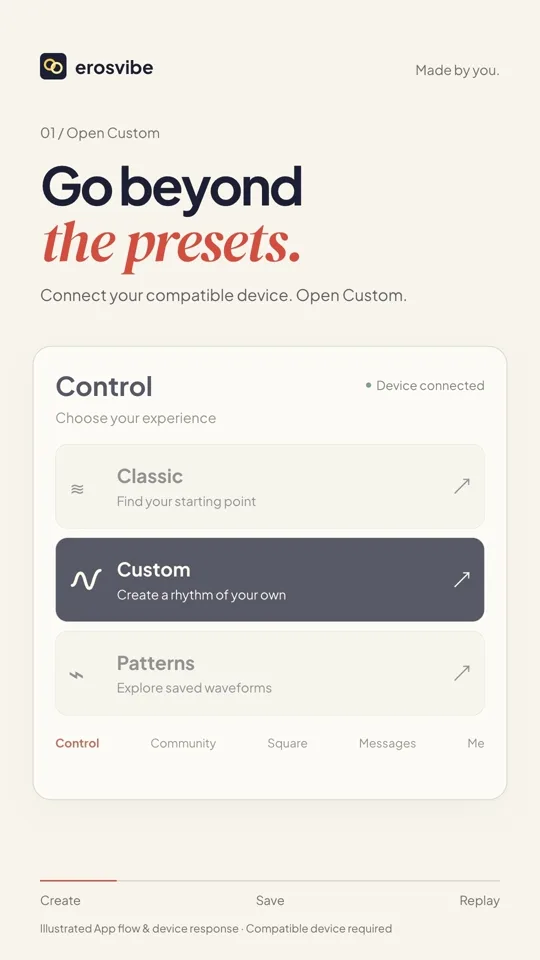
Open Custom
Open Custom from Control to reach the touch creation interface.
- 02
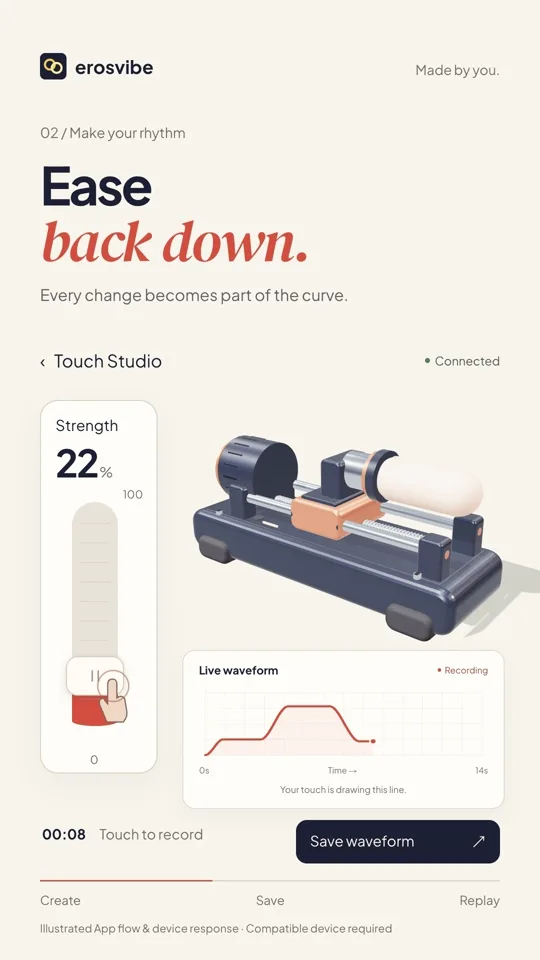
Shape the intensity
Move the intensity control. Build, ease off and leave a pause as the curve forms.
- 03
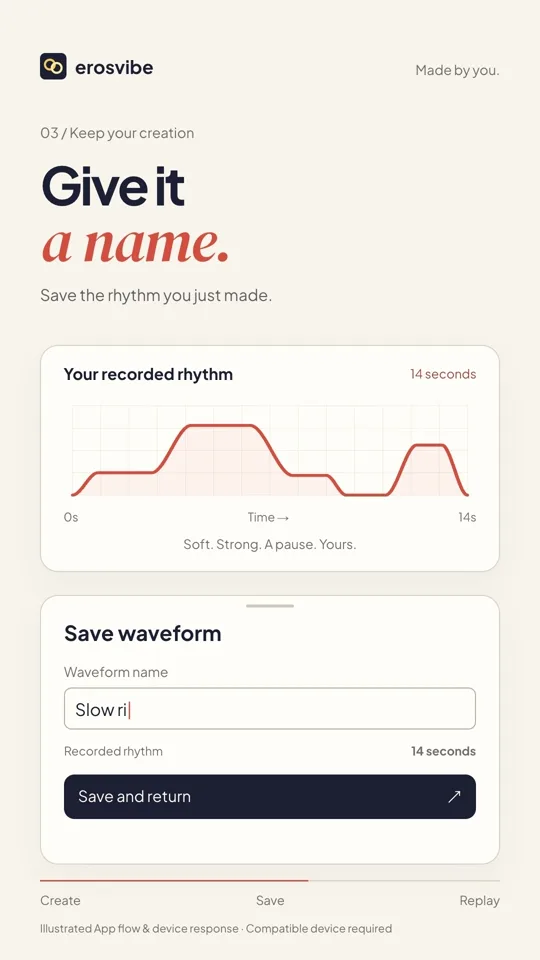
Name and save
Tap Save waveform, give it a name and tap Save.
- 04
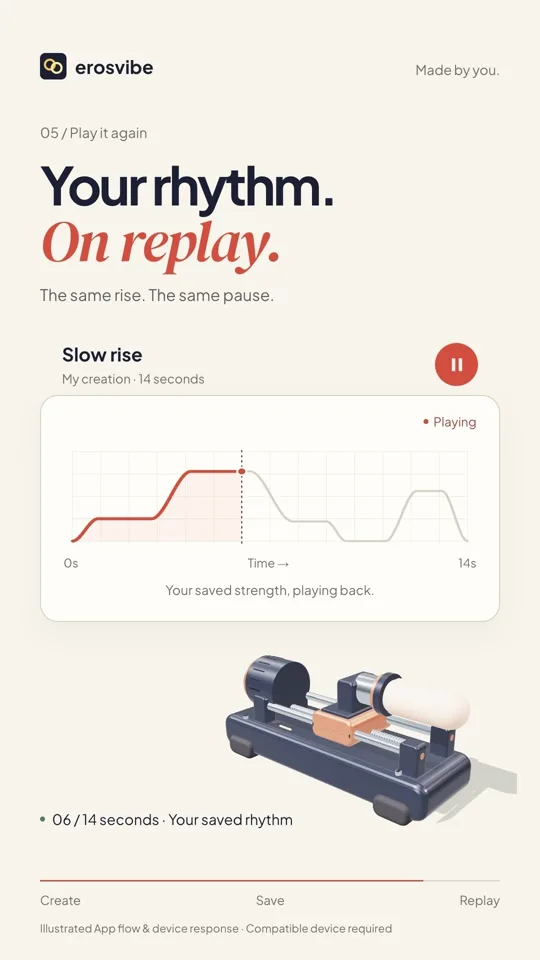
Replay from Mine
Find the saved pattern in the library’s Mine tab and play the same rhythm again.
Keep in mind
Device motion is illustrative. Mine contains your creations; Saved contains your favorites.
Read the related manual sectionYou might need next
 1:02
1:02Video + step-by-step guide
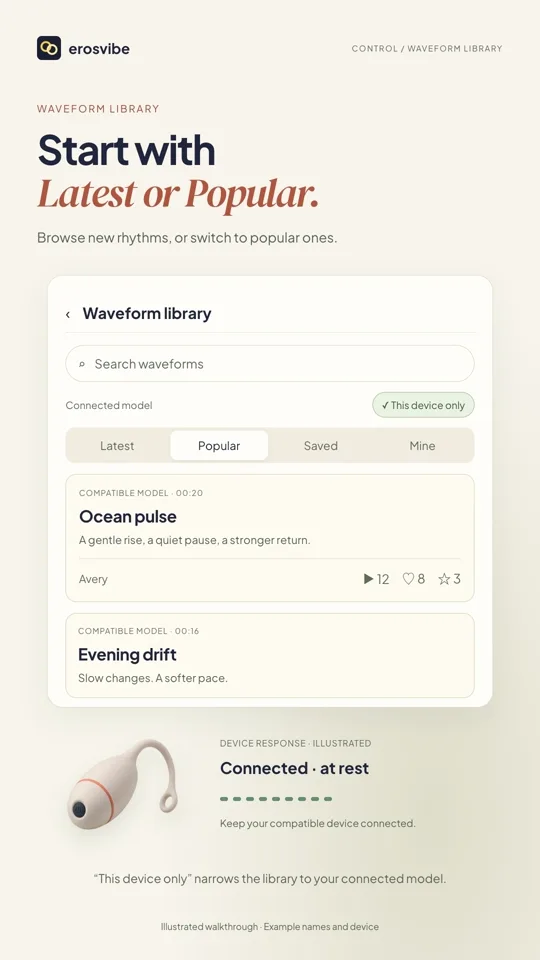
Find, play and save patterns
Browse and search rhythms, then find favorites in Saved and creations in Mine.
View guide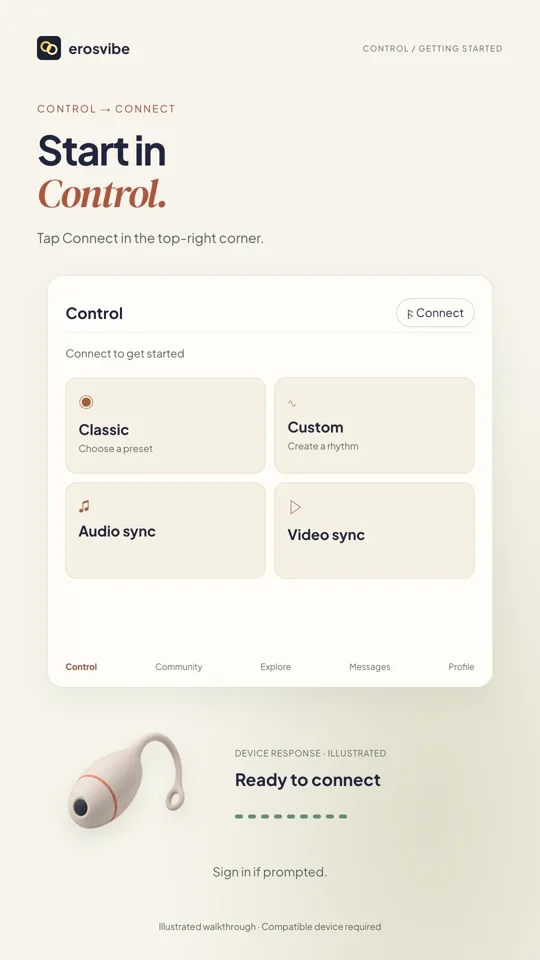 1:00
1:00Video + step-by-step guide
Connect a device. Try Classic.
Connect using your device code, then choose, change and stop a pattern.
View guide