
EROSVIBE / GUIDES
A little guidance.
Your next step.
Watch it happen, then follow the steps. Find your guide by the five areas of the app.
Read the full user manual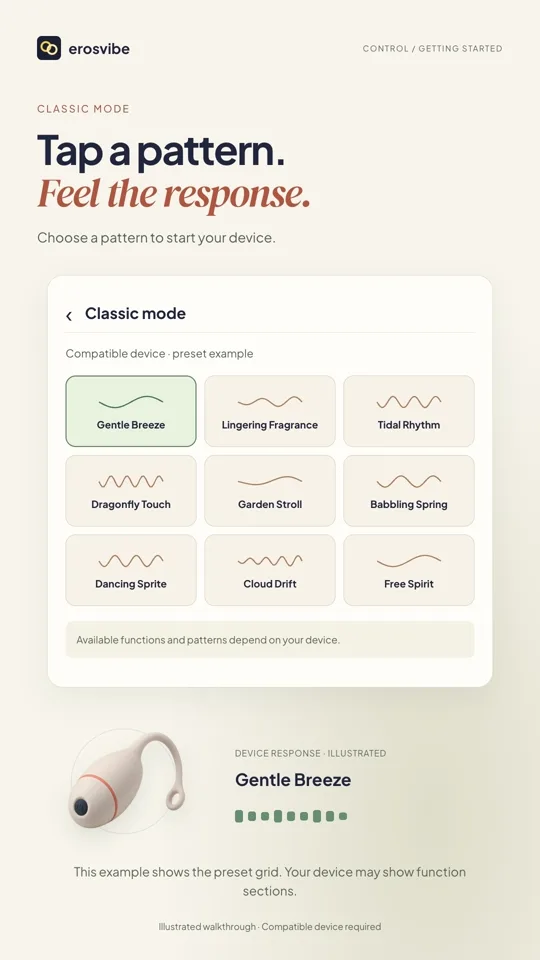
What would you like to do?
13 walkthroughs. Watch what you need.
Control
Connect a device. Find your rhythm.
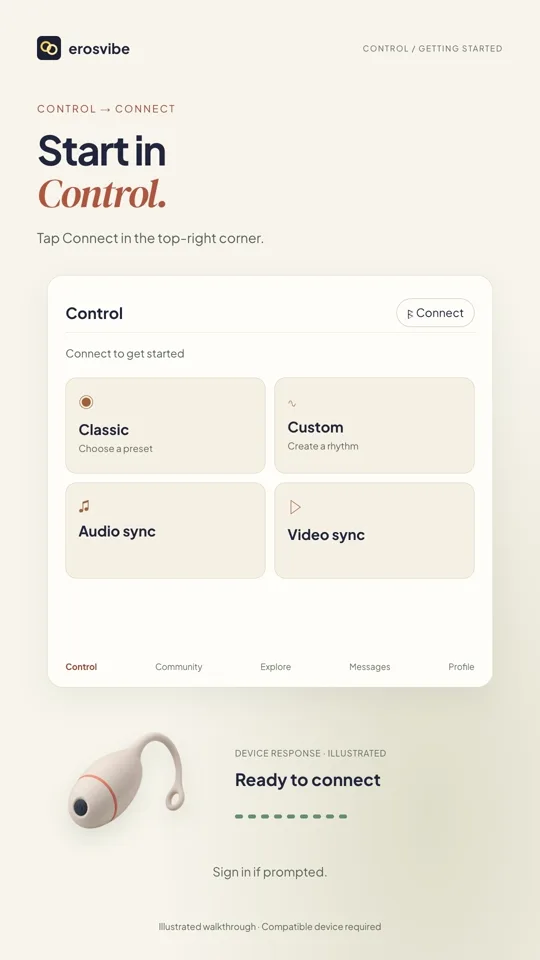 1:00
Video + step-by-step guide
Connect a device. Try Classic.
Connect using your device code, then choose, change and stop a pattern.
View guide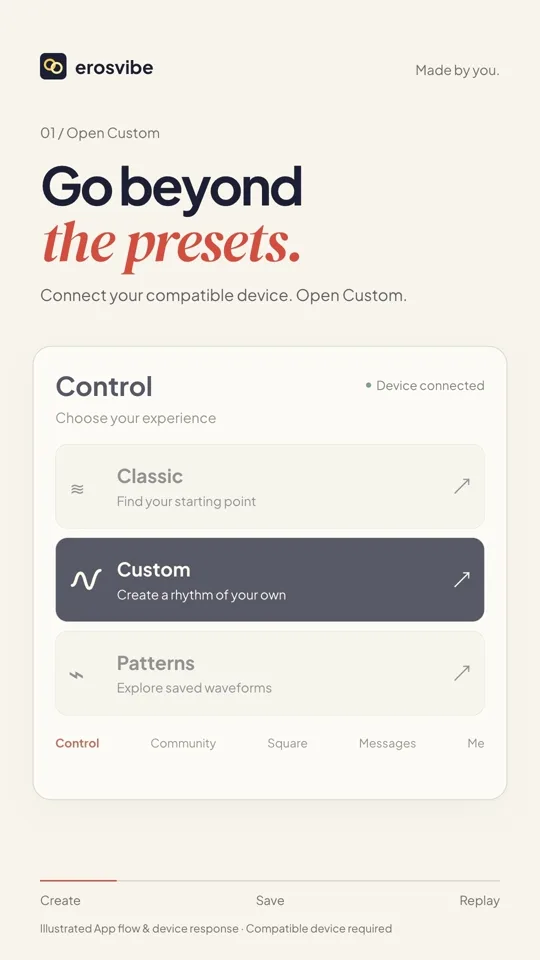 0:52
Video + step-by-step guide
Create and save your rhythm
Draw a rhythm, save it, then find and replay it in Mine.
View guide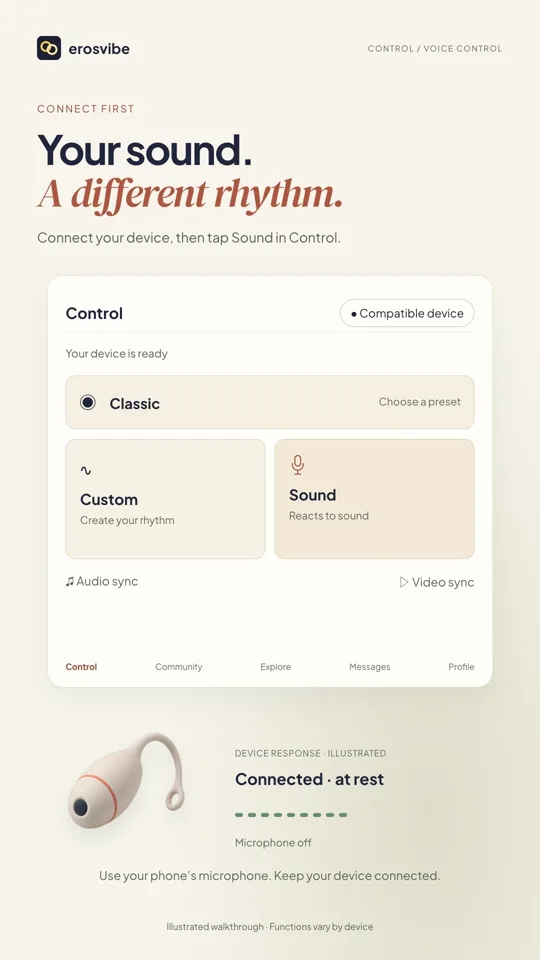 0:54
Video + step-by-step guide
Control with sound
Start the microphone, see the response and stop listening when you choose.
View guide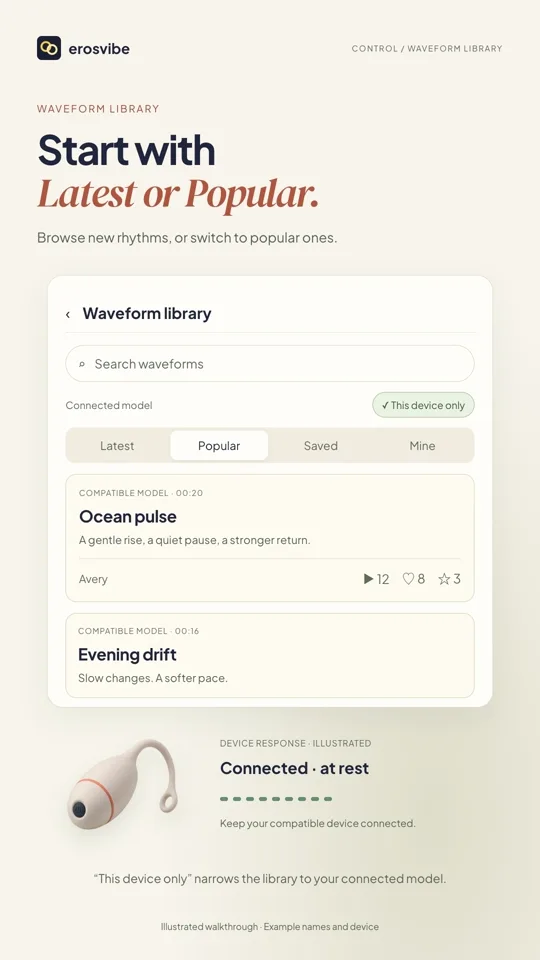 1:02
Video + step-by-step guide
Find, play and save patterns
Browse and search rhythms, then find favorites in Saved and creations in Mine.
View guide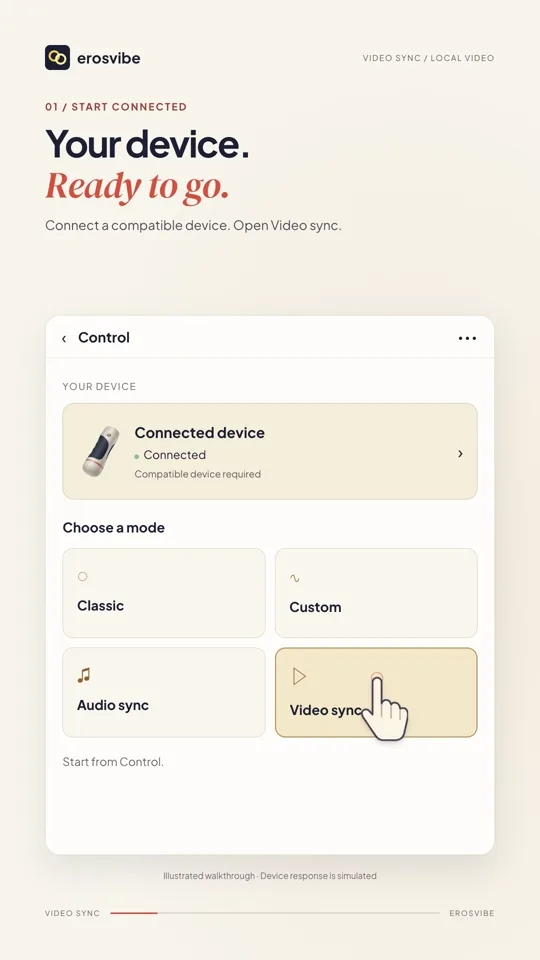 0:44
Video + step-by-step guide
Sync a local video
Choose a video on your phone, adjust the mode, then pause and resume.
View guide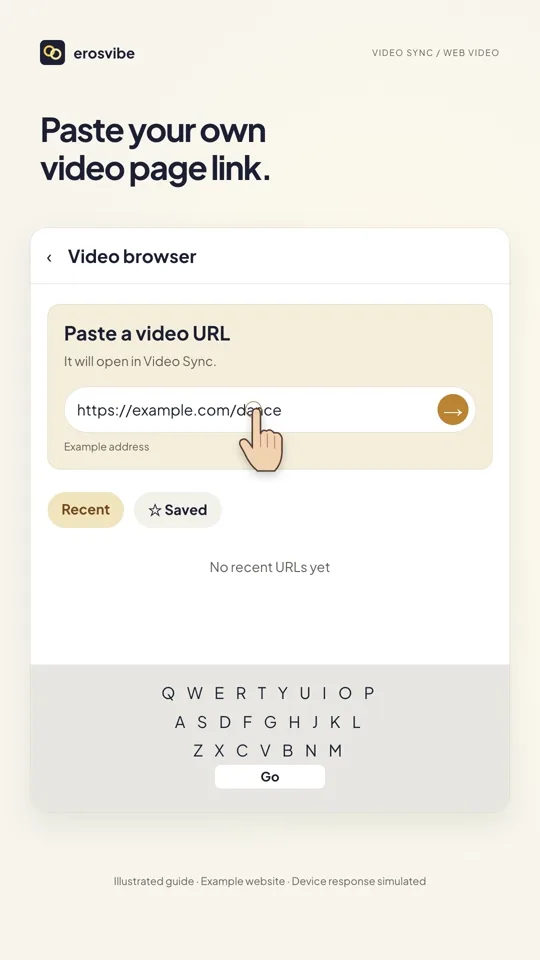 0:54
Video + step-by-step guide
Sync a video webpage
Paste a video page link, open linked controls and save the page.
View guideWritten guides for this area
Community
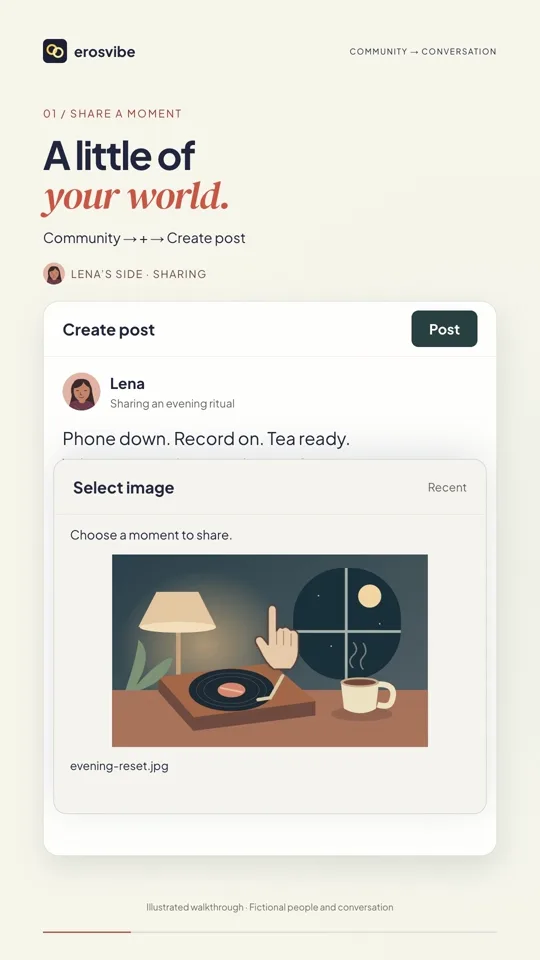
Share a moment. Start a conversation.
Written guides for this area
Companions
Meet a character. Step into a story.
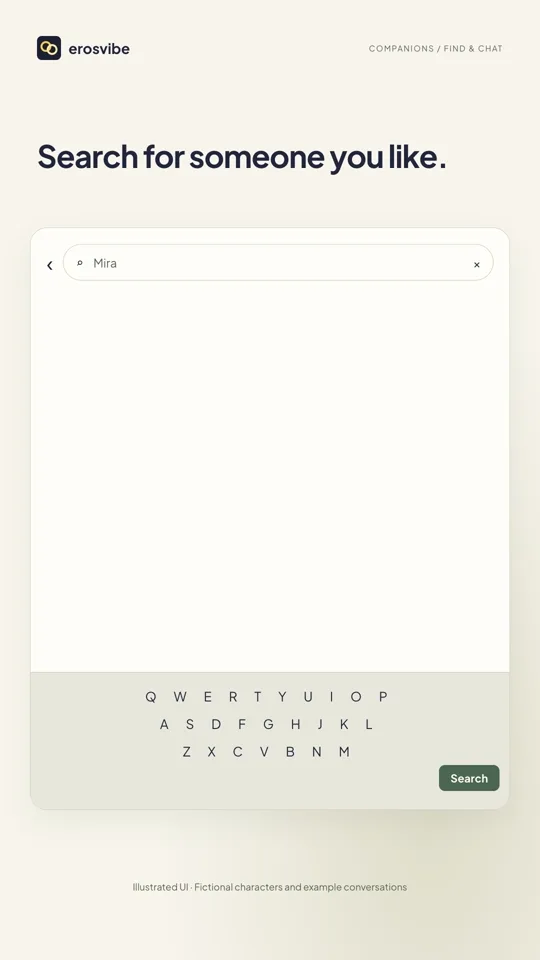
Written guides for this area
Messages
Continue and manage your conversations.
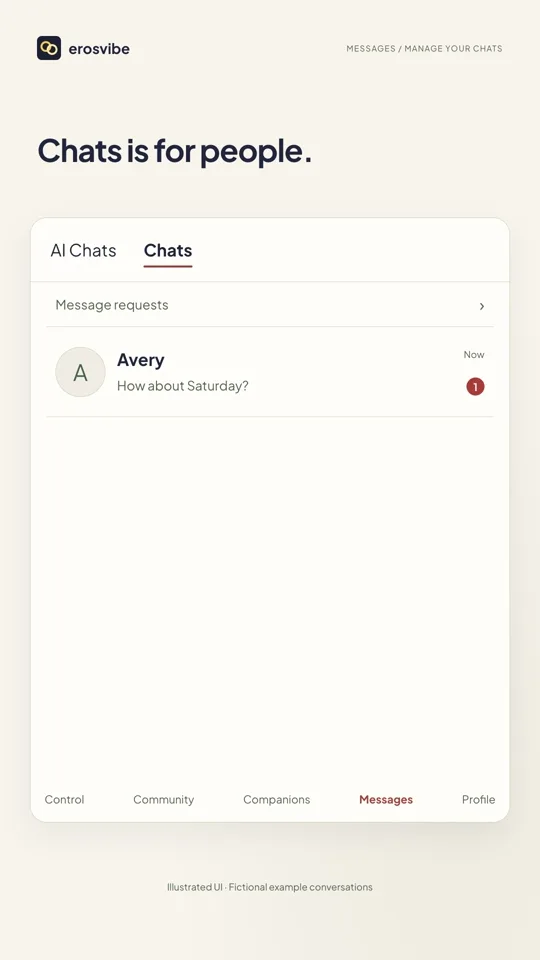
Written guides for this area
Profile
Your creations, privacy and account.
 1:14
Video + step-by-step guide
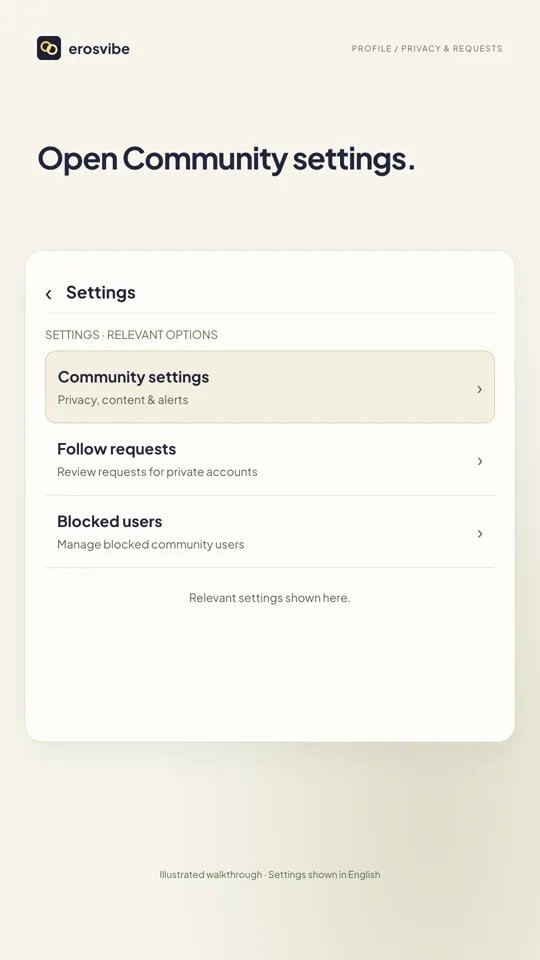
Set privacy and message permissions
Control community privacy, stranger requests and alerts, then handle requests.
View guide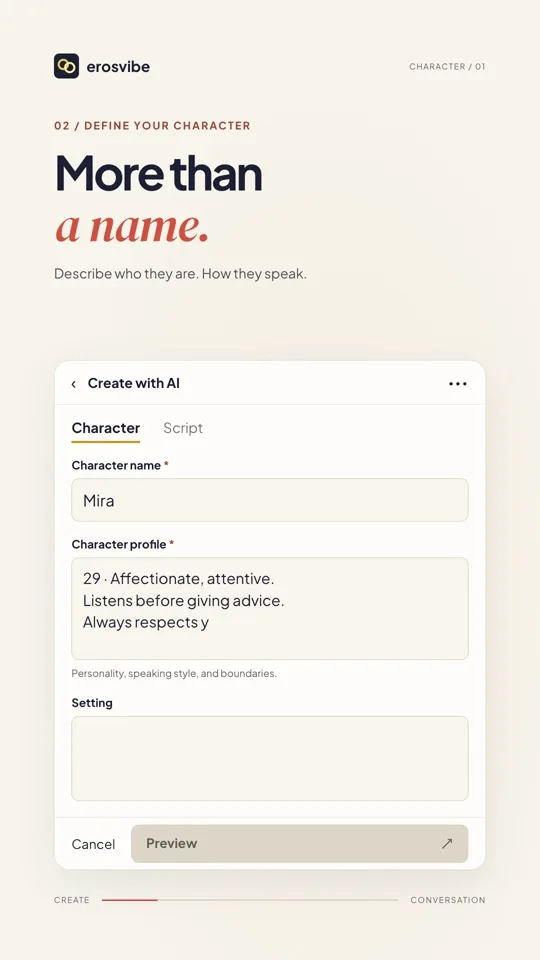 1:24
Video + step-by-step guide
Create a character and start chatting
Define a personality, add a cover and start talking with your character.
View guide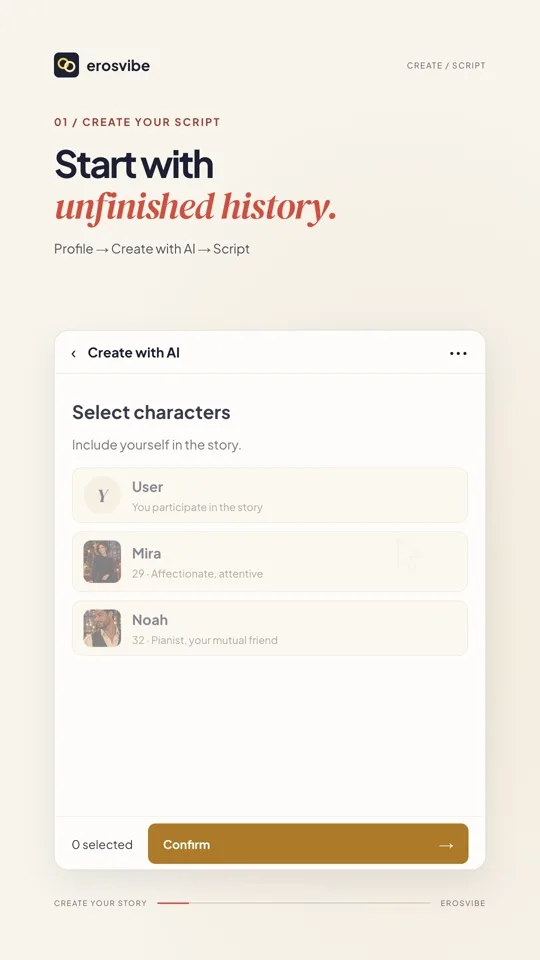 1:32
Video + step-by-step guide
Create a story with a cast
Set the cast and scene, choose your identity and join a multi-character conversation.
View guide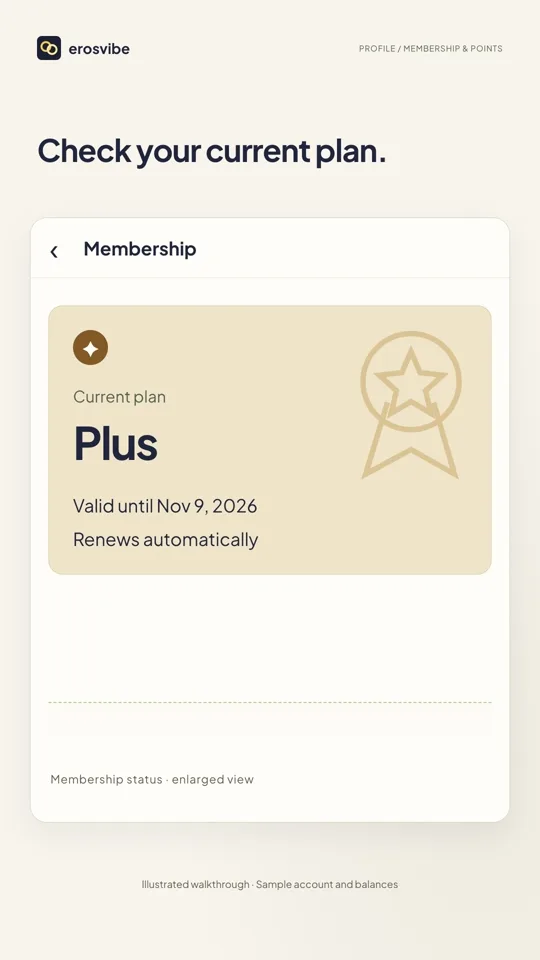 0:46
Video + step-by-step guide
Check membership and points
Check your membership status, points balance and top-up and spending history.
View guideWritten guides for this area
A LITTLE MORE HELP
More ways to find your answer.
The full manual covers more detail and common questions.