
Control / WALKTHROUGH
Control with sound
Start the microphone, see the response and stop listening when you choose.
BEFORE YOU START
Connect a compatible device and be ready to allow microphone access.
Follow along, step by step.
Choose a timestamp to jump in. Select an image to enlarge it.
- 01
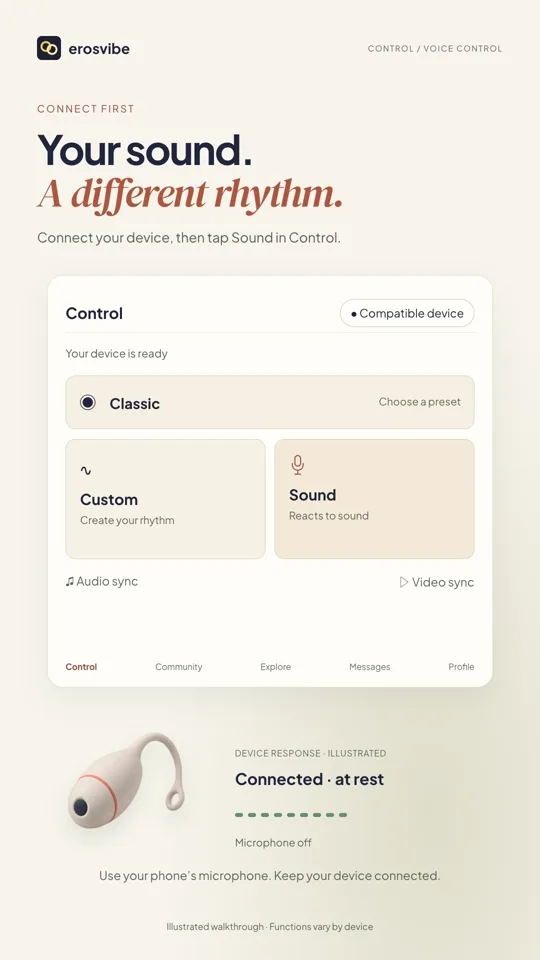
Open Sound
Choose Sound in Control, then tap Start on the Voice control page.
- 02
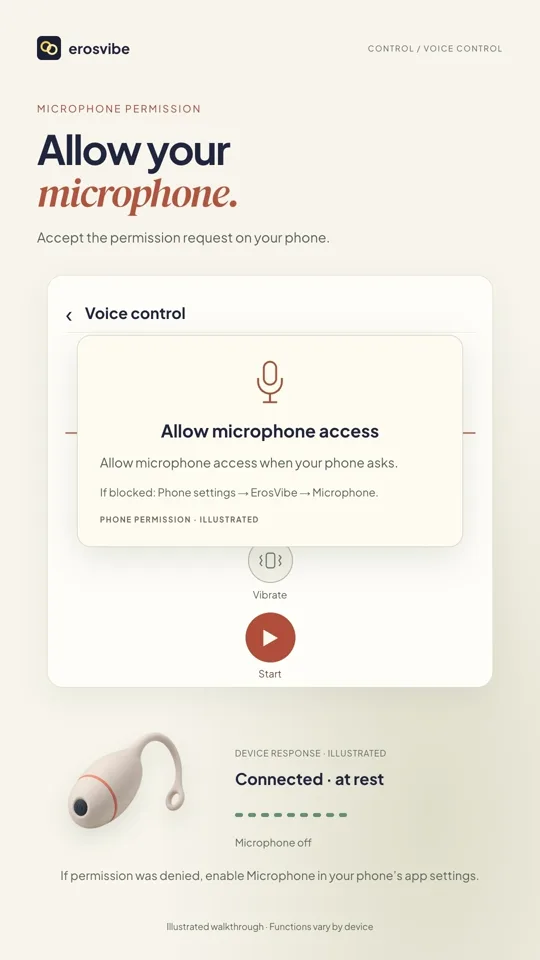
Allow the microphone
Allow microphone access when prompted. If previously denied, enable it in system settings and try again.
- 03
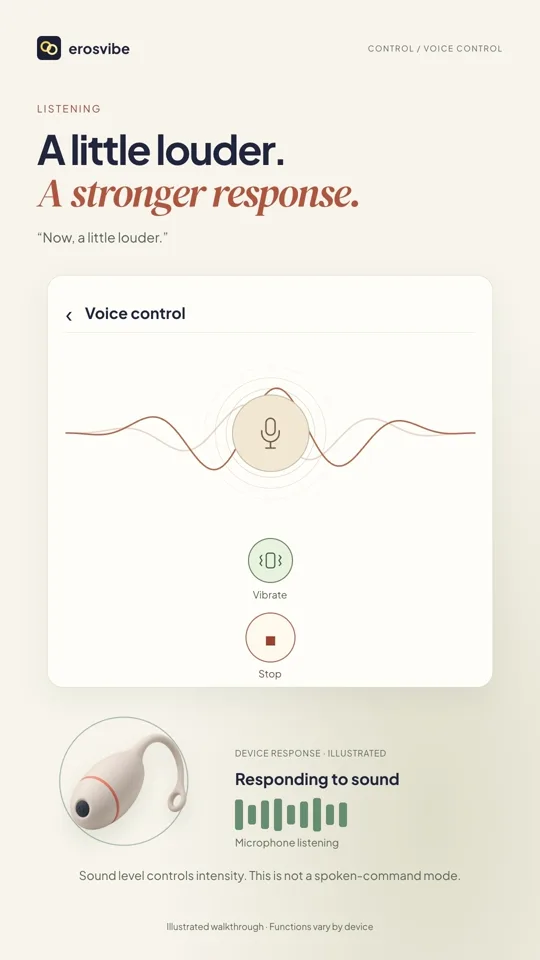
Try sound and function controls
Try softer sound, louder sound and silence. Turning a function off prevents that function from responding.
- 04
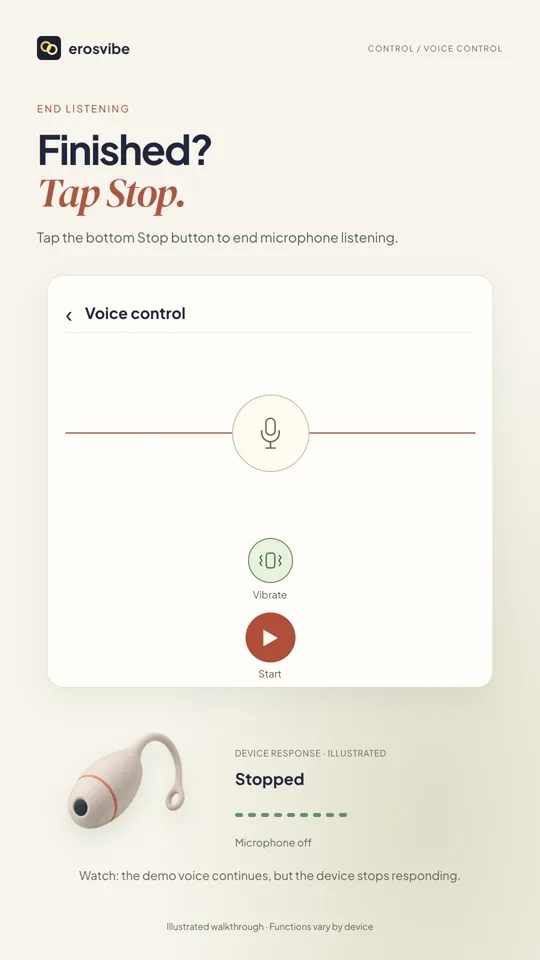
Tap Stop to finish
Tap Stop, check that Start is shown again, then return to Control.
Keep in mind
Silence can stop the response while listening remains active. Tap Stop to end listening. Supported functions vary by device.
Read the related manual sectionYou might need next
 1:00
1:00Video + step-by-step guide
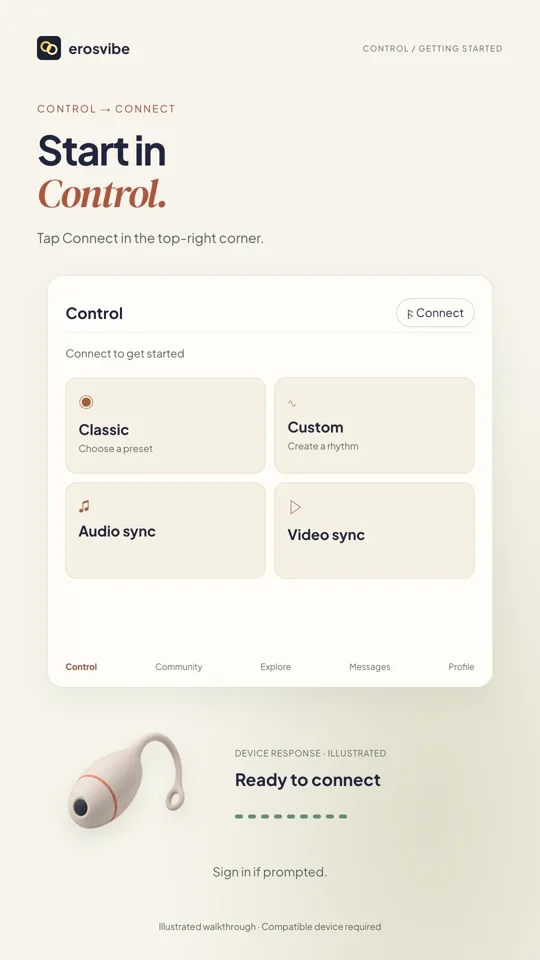
Connect a device. Try Classic.
Connect using your device code, then choose, change and stop a pattern.
View guide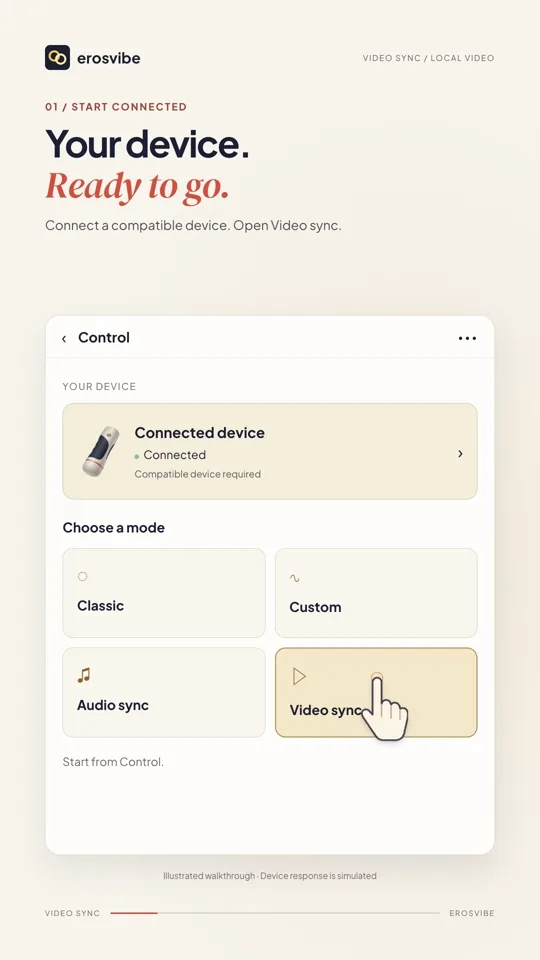 0:44
0:44Video + step-by-step guide
Sync a local video
Choose a video on your phone, adjust the mode, then pause and resume.
View guide