
Profile / WALKTHROUGH
Create a character and start chatting
Define a personality, add a cover and start talking with your character.
BEFORE YOU START
Sign in and review in-app credit, content review and submission notices.
Follow along, step by step.
Choose a timestamp to jump in. Select an image to enlarge it.
- 01
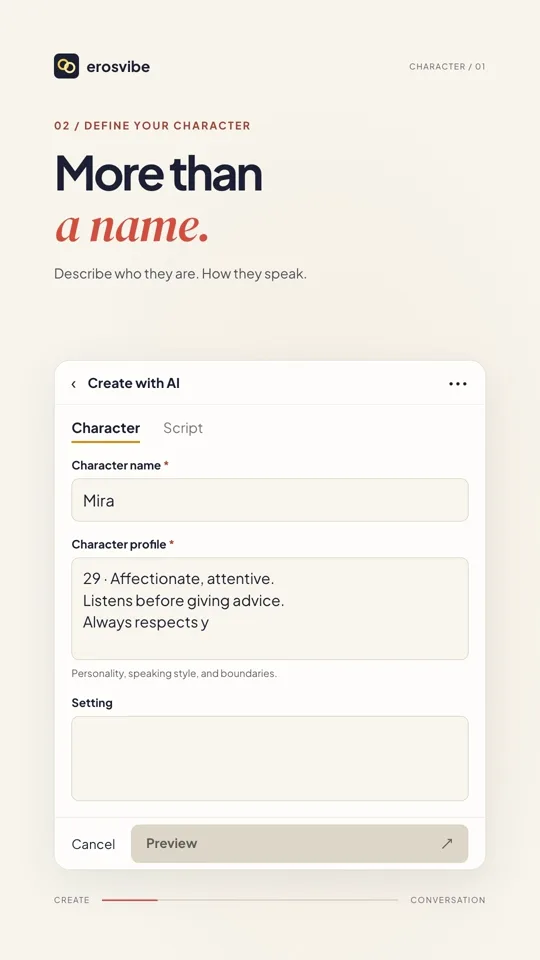
Describe your character
Open Profile → Create with AI → Character. Add a name, profile, setting and opening as needed.
- 02
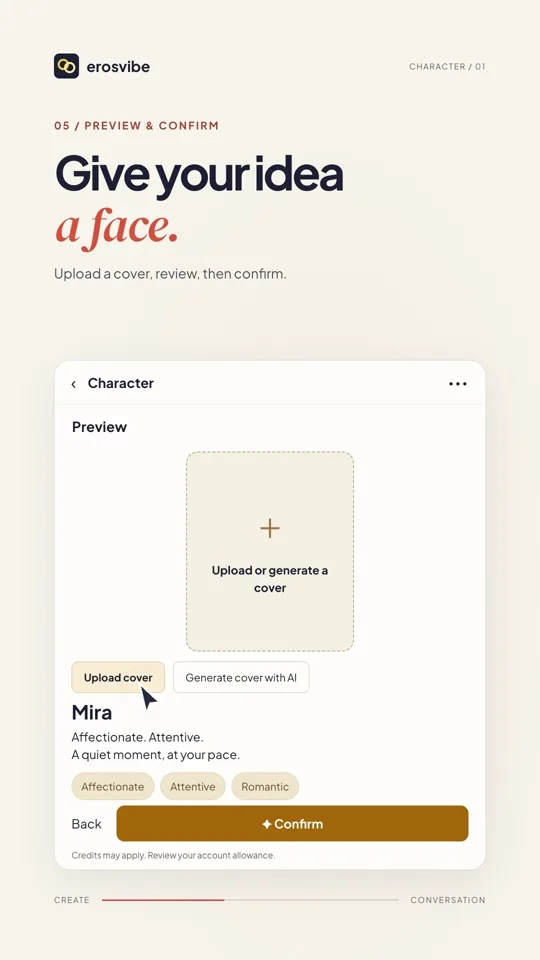
Preview and submit
Choose the required tags and tap Preview. Add a cover, then Confirm and follow any submission notices.
- 03
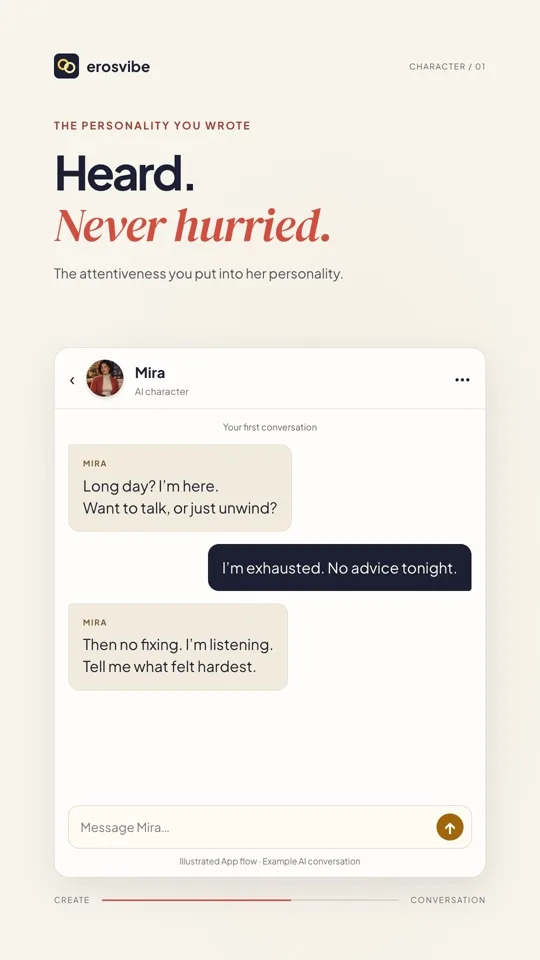
Find your character and chat
After leaving creation, open your character under Profile → Characters and start chatting.
- 04
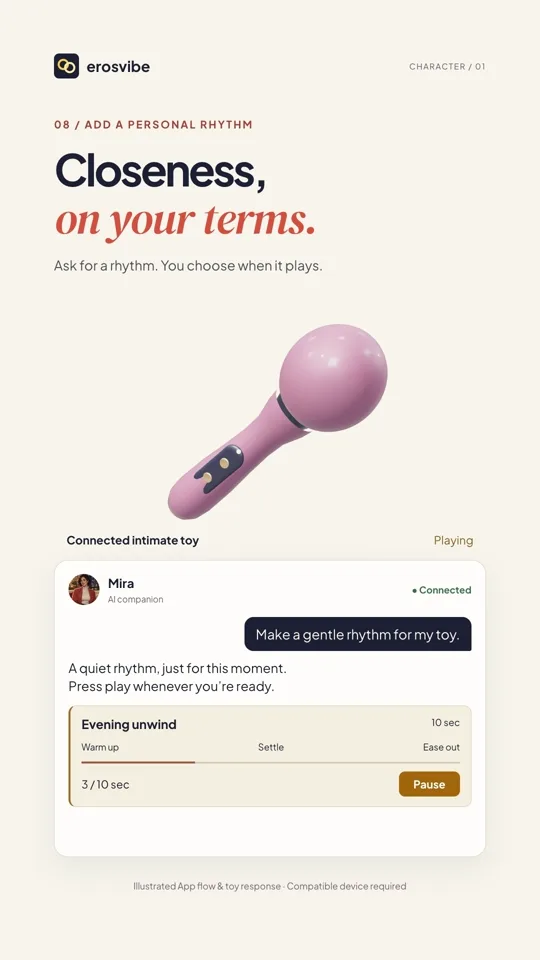
Play a device rhythm when offered
If a waveform card is offered, check your device connection, then tap Play. Tap Pause when you choose.
Keep in mind
Replies are written examples. Device rhythms need compatible hardware and available features, and start only when you press Play. An AI control card is not guaranteed on every reply.
Read the related manual sectionYou might need next
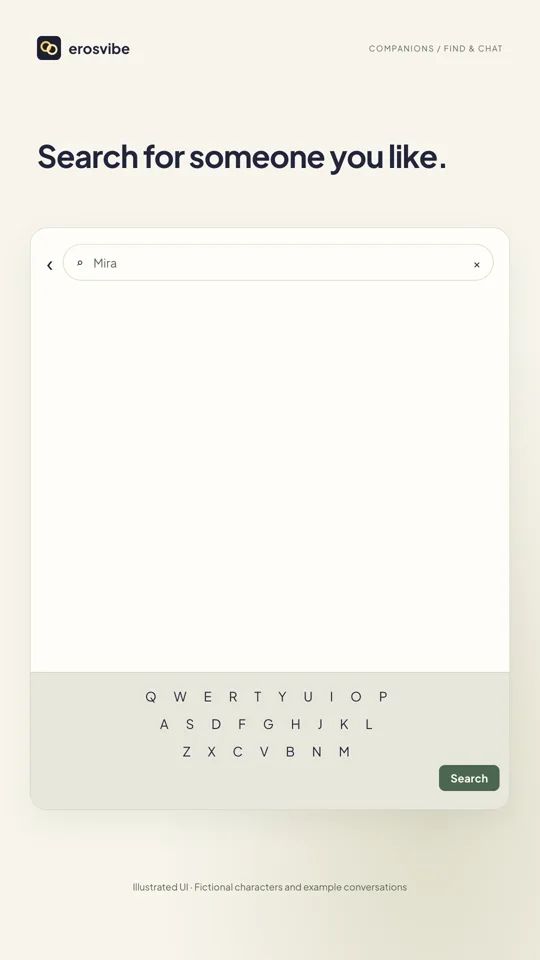 1:08
1:08Video + step-by-step guide
Discover characters and stories
Find a character or story, start chatting and return to the same conversation.
View guide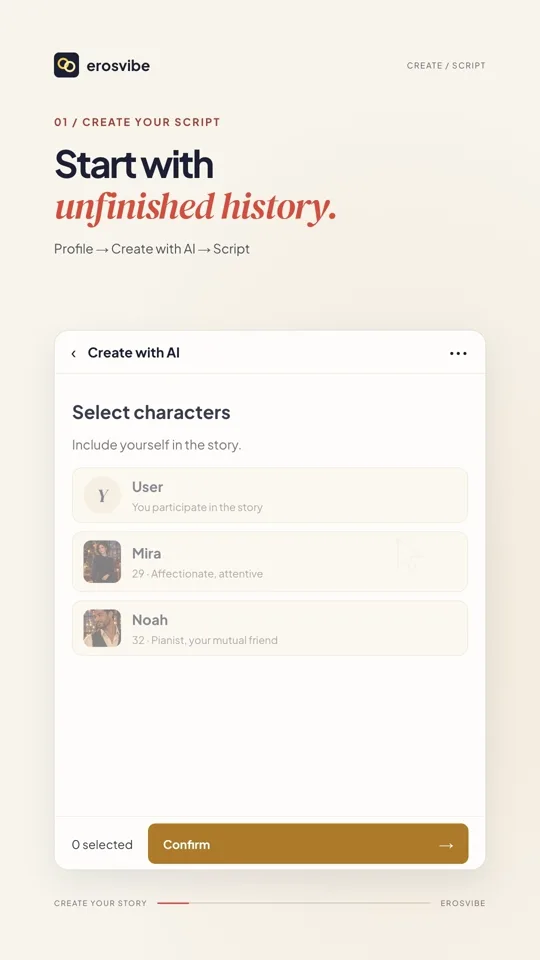 1:32
1:32Video + step-by-step guide
Create a story with a cast
Set the cast and scene, choose your identity and join a multi-character conversation.
View guide