
Profile / WALKTHROUGH
Create a story with a cast
Set the cast and scene, choose your identity and join a multi-character conversation.
BEFORE YOU START
Sign in and prepare a cast, relationships, setting and cover. Follow creation and review notices in the App.
Follow along, step by step.
Choose a timestamp to jump in. Select an image to enlarge it.
- 01
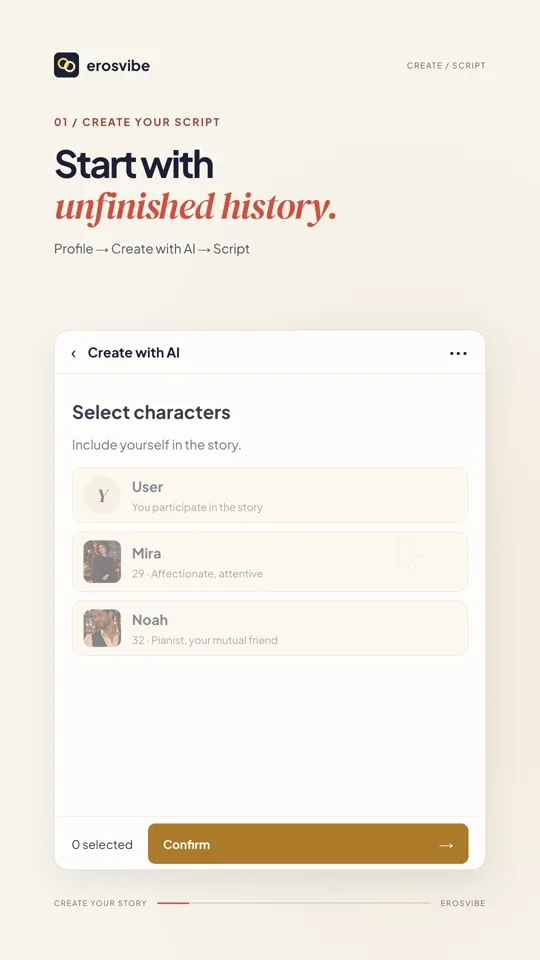
Create and choose the cast
Open Profile → Create with AI → Script. Name the story and add a cast; this example includes you and two AI characters.
- 02
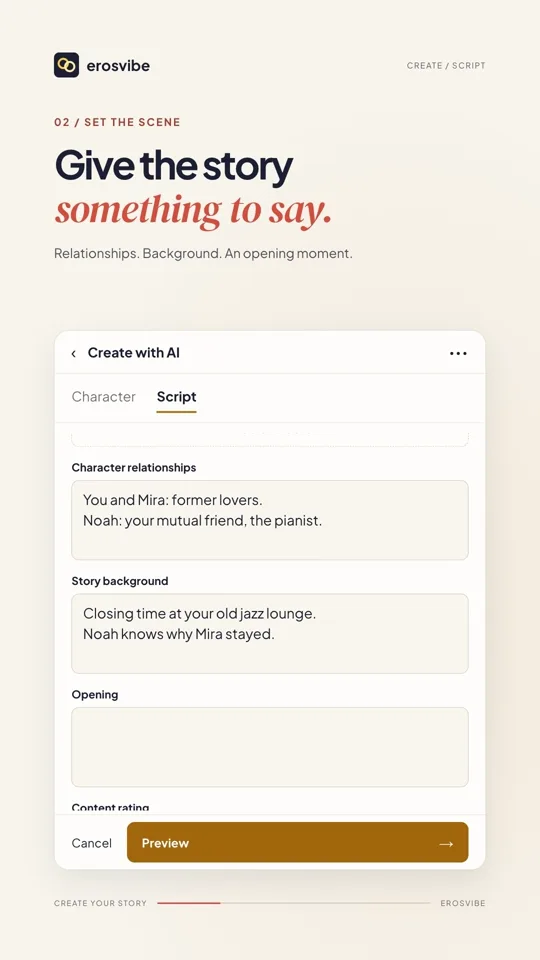
Set the story and submit
Add relationships, background and an opening. Check rating and tags, preview, add a cover and confirm.
- 03
Choose your identity
Find the story under Profile → Scripts, choose Me in the story or another available identity and tap Start.

- 04
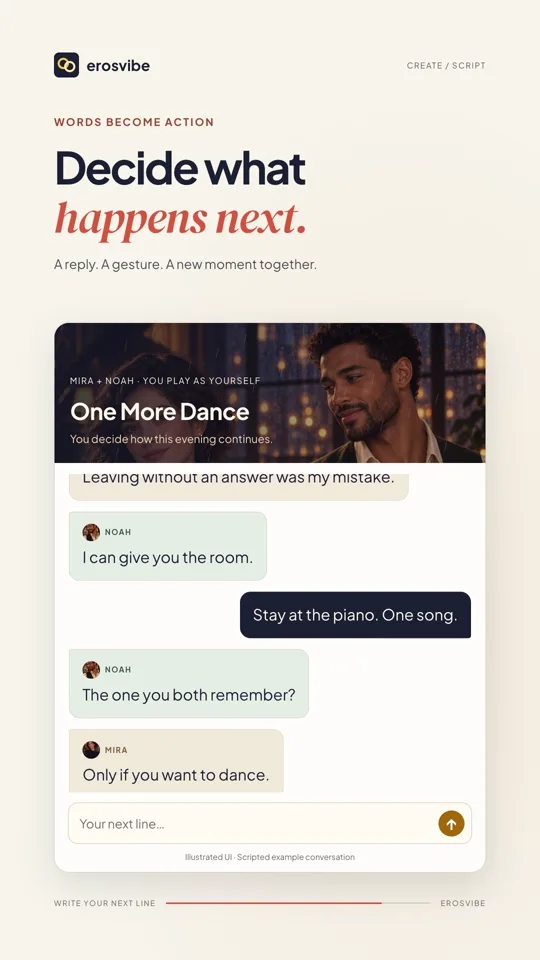
Talk with the cast
Send a line or describe an action. Read each character’s response and the narration to continue the story.
Keep in mind
Story chat has no device control. This is a fictional ensemble example. Successful creation does not mean approval for public distribution.
Read the related manual sectionYou might need next
 1:08
1:08Video + step-by-step guide
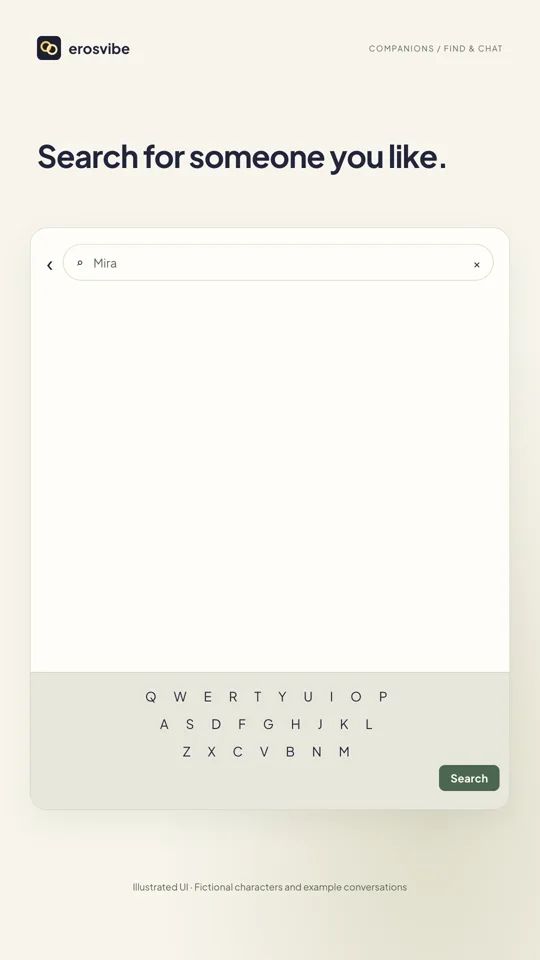
Discover characters and stories
Find a character or story, start chatting and return to the same conversation.
View guide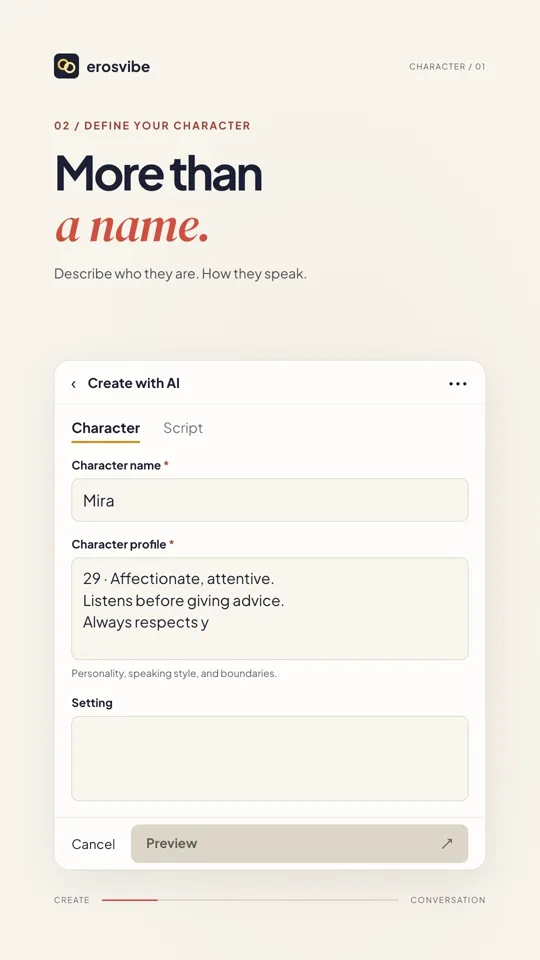 1:24
1:24Video + step-by-step guide
Create a character and start chatting
Define a personality, add a cover and start talking with your character.
View guide