
Companions / WALKTHROUGH
Discover characters and stories
Find a character or story, start chatting and return to the same conversation.
BEFORE YOU START
Sign in and review the App’s chat privacy notice when prompted.
Follow along, step by step.
Choose a timestamp to jump in. Select an image to enlarge it.
- 01
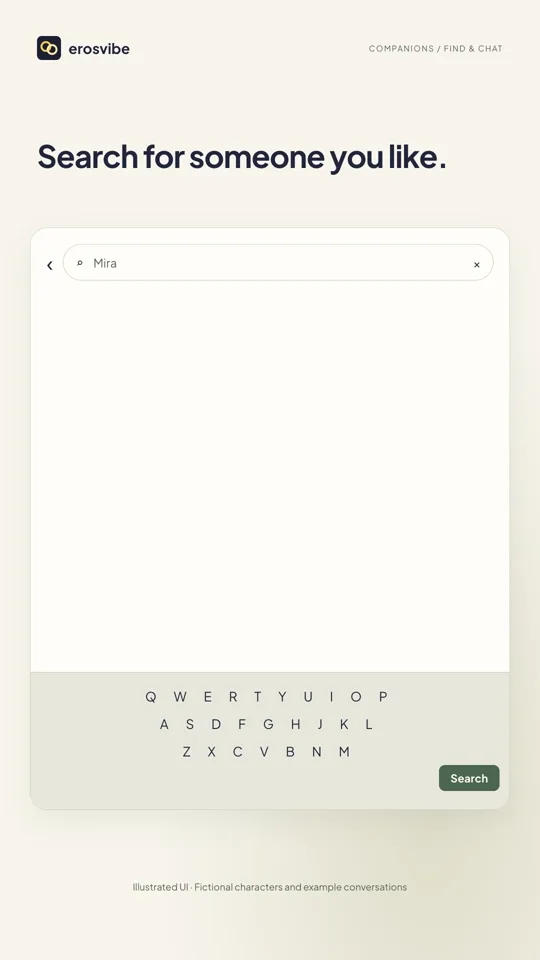
Search for a character
Open Companions → Characters, search for a name or tag and tap a result card.
- 02
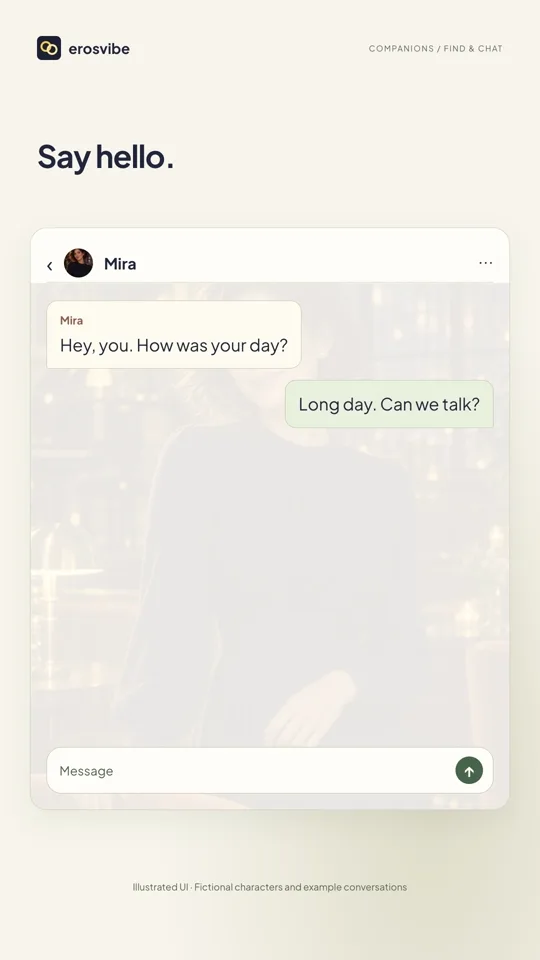
Start a character chat
The card opens the chat directly. Send a message to begin.
- 03
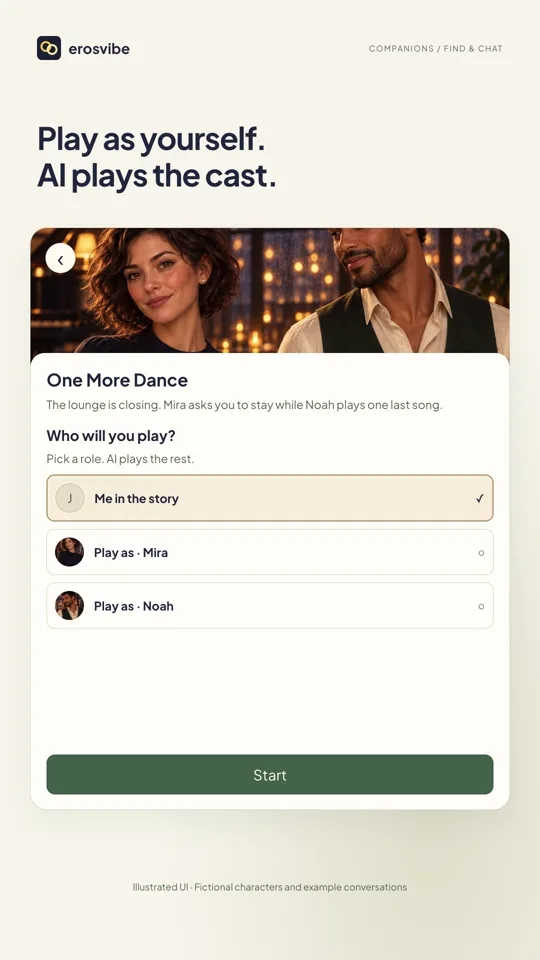
Choose a story and identity
Return to Scripts, choose a story, select your identity and tap Start. AI plays the other roles.
- 04
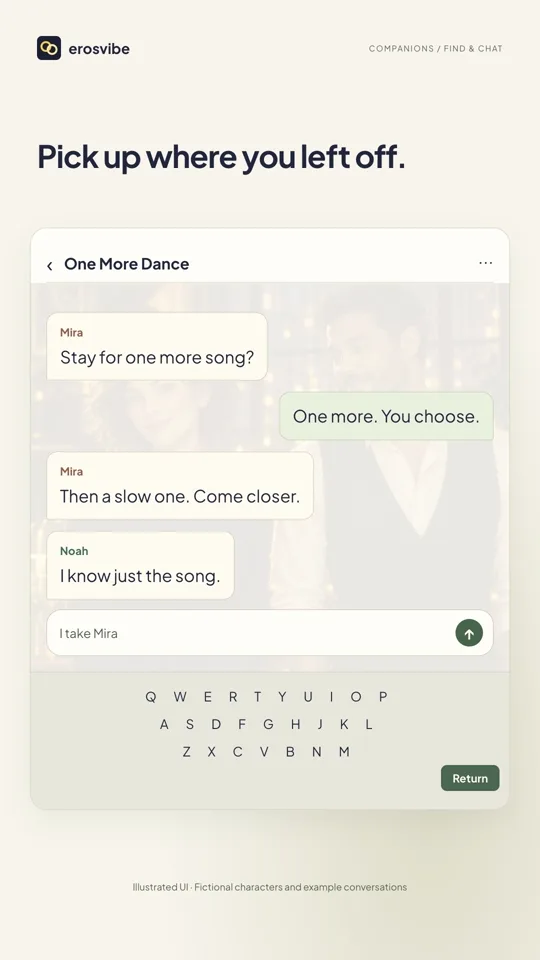
Return to the same conversation
Open the existing character or story conversation in Messages → AI Chats.
Keep in mind
The third tab is called Companions in English. Dialogue is illustrative, not a promise of AI output. Story chat does not include device control.
Read the related manual sectionYou might need next
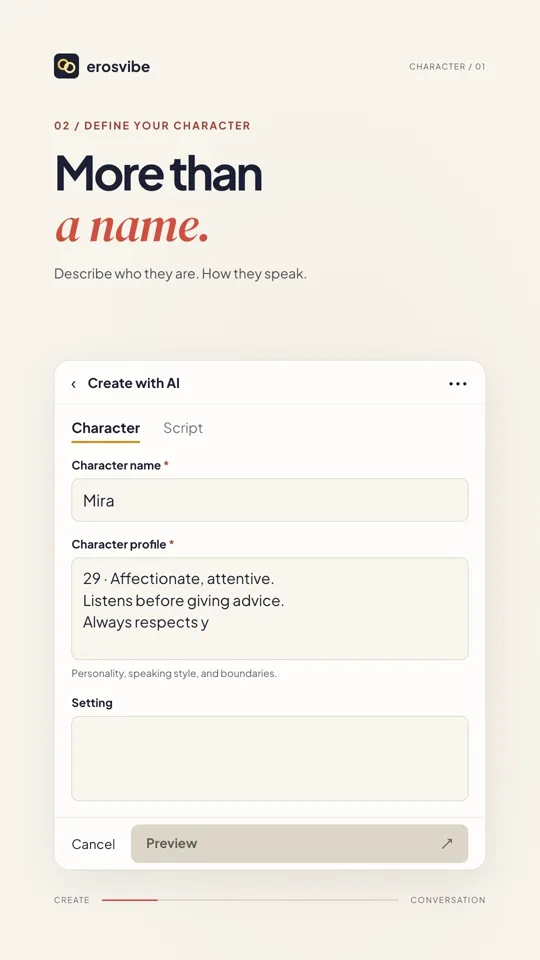 1:24
1:24Video + step-by-step guide
Create a character and start chatting
Define a personality, add a cover and start talking with your character.
View guide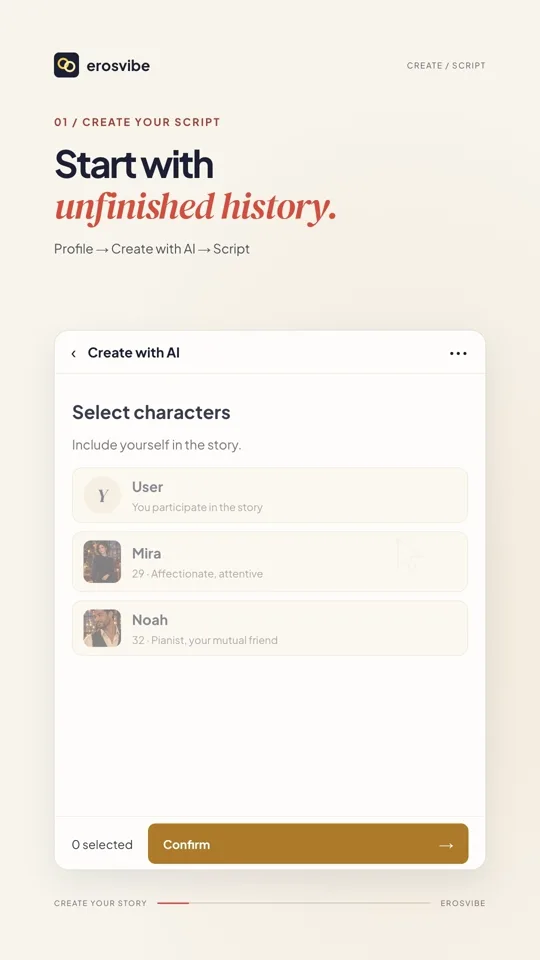 1:32
1:32Video + step-by-step guide
Create a story with a cast
Set the cast and scene, choose your identity and join a multi-character conversation.
View guide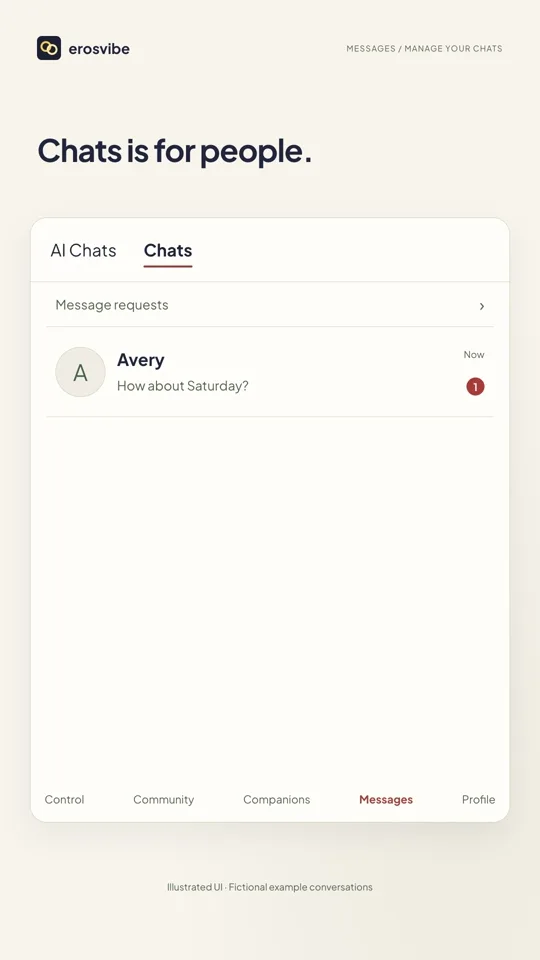 0:56
0:56Video + step-by-step guide
Find and manage your chats
Separate AI and human chats, and learn to cancel or confirm chat removal.
View guide