
Control / WALKTHROUGH
Find, play and save patterns
Browse and search rhythms, then find favorites in Saved and creations in Mine.
BEFORE YOU START
Open Control. Hardware playback requires a compatible device.
Follow along, step by step.
Choose a timestamp to jump in. Select an image to enlarge it.
- 01
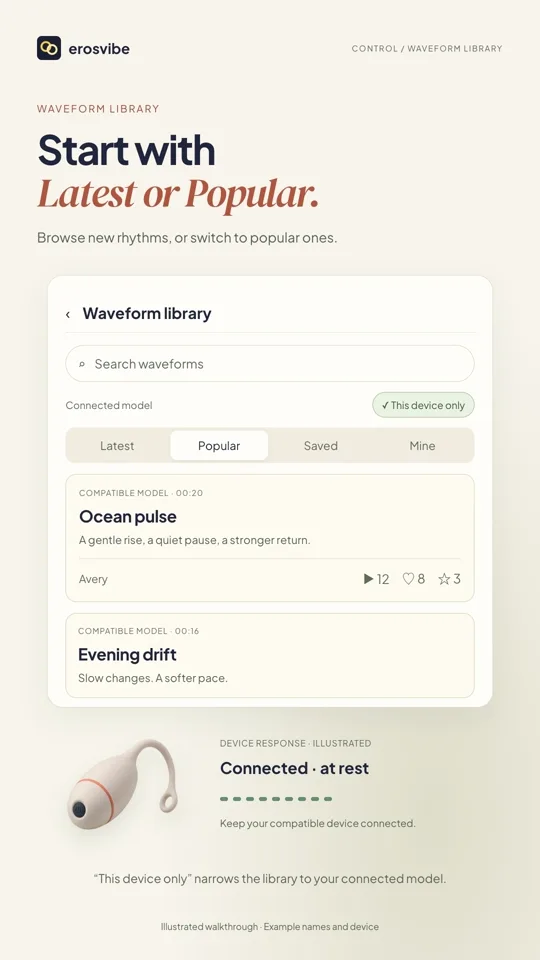
Open Patterns
Open Patterns from Control and browse Latest or Popular.
- 02
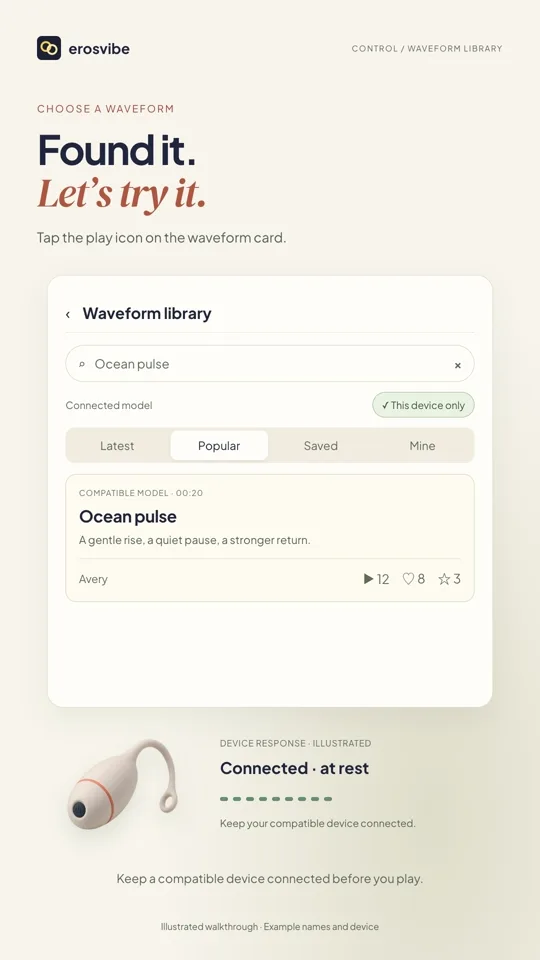
Search and play
Enter a search term and submit, then tap a pattern’s play icon.
- 03
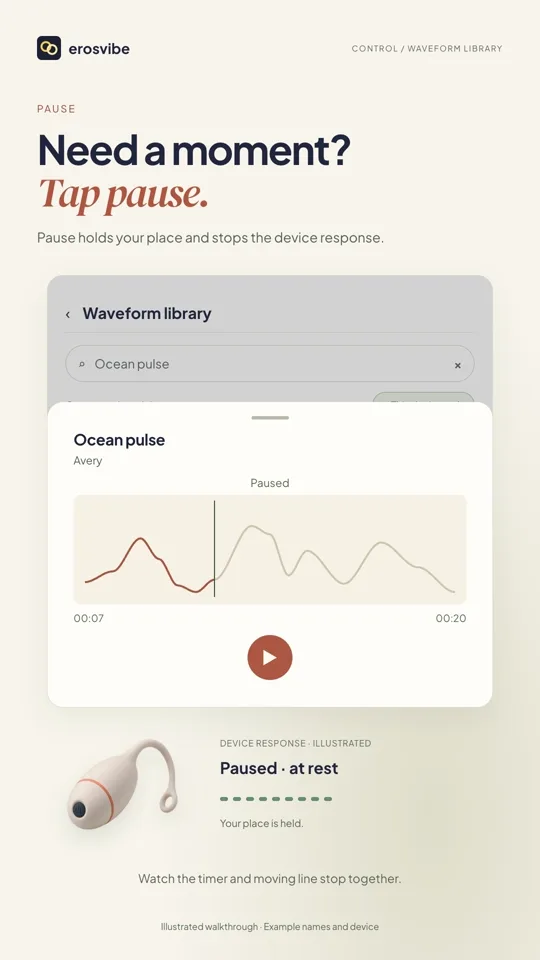
Pause, resume or close
Pause keeps your position. Resume continues from there; pull the panel down to close and stop.
- 04
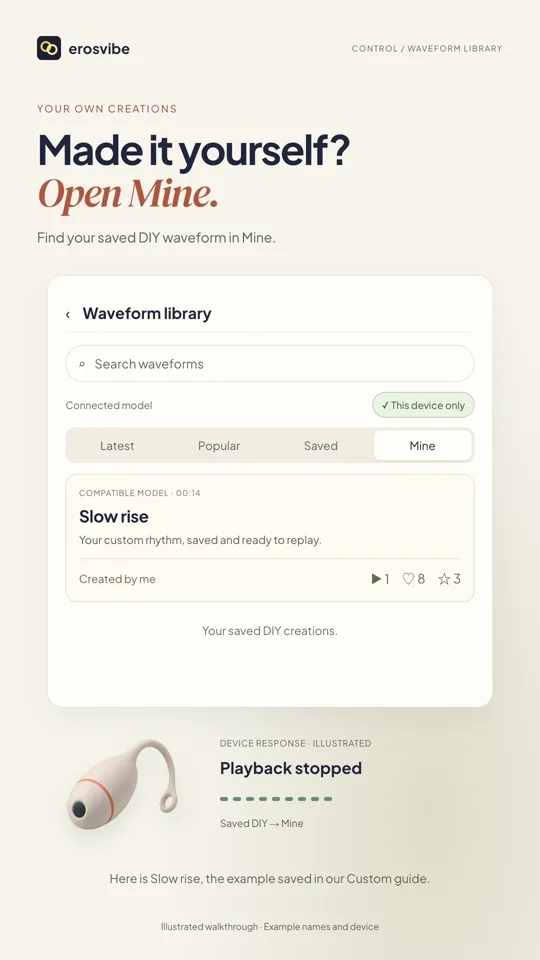
Favorites and your creations
Tap the star to favorite. Clear search and open Saved to find it; your DIY creations are in Mine.
Keep in mind
Search results and patterns are examples. The list may be filtered by device. Publishing and deleting creations are not covered here.
Read the related manual sectionYou might need next
 0:52
0:52Video + step-by-step guide
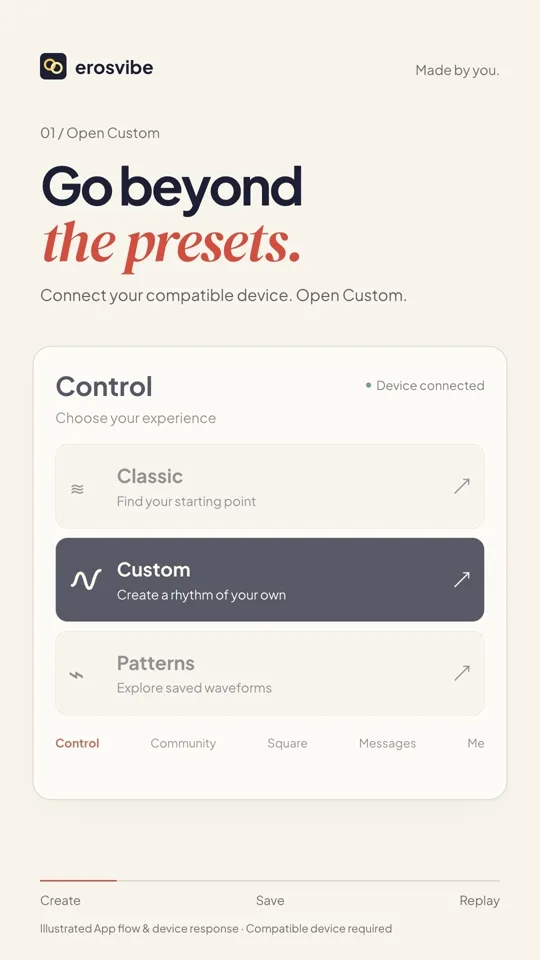
Create and save your rhythm
Draw a rhythm, save it, then find and replay it in Mine.
View guide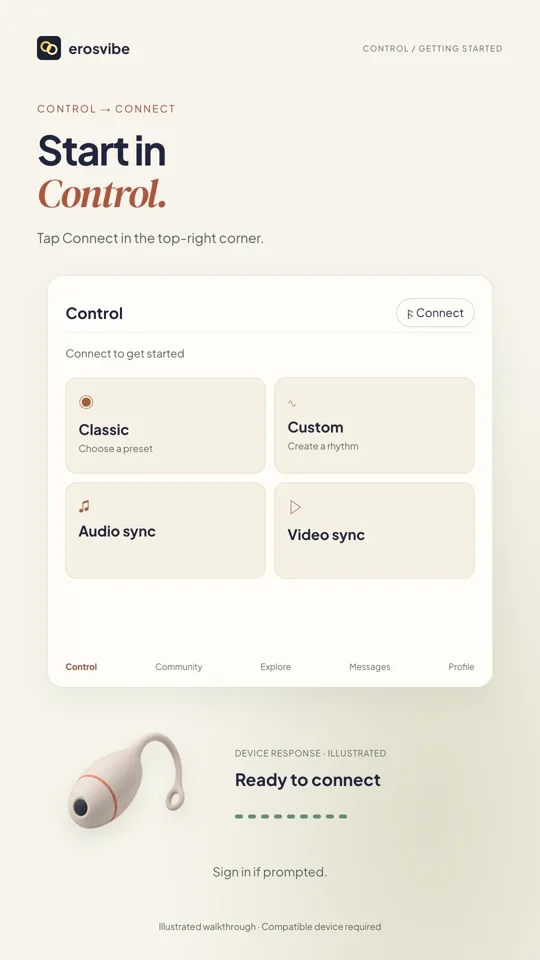 1:00
1:00Video + step-by-step guide
Connect a device. Try Classic.
Connect using your device code, then choose, change and stop a pattern.
View guide