
Control / WALKTHROUGH
Sync a local video
Choose a video on your phone, adjust the mode, then pause and resume.
BEFORE YOU START
Connect a compatible device and prepare a playable local video.
Follow along, step by step.
Choose a timestamp to jump in. Select an image to enlarge it.
- 01
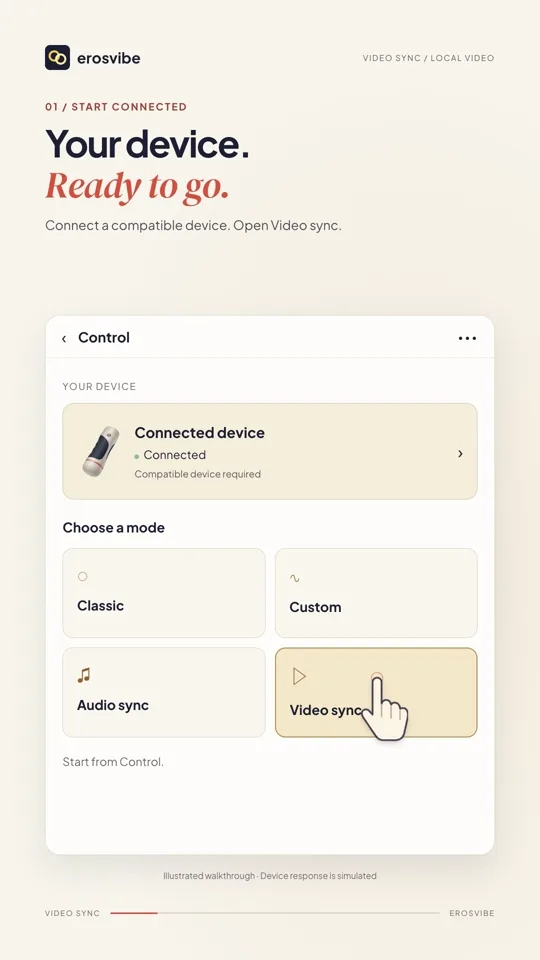
Open Video sync
Select Video sync in Control.
- 02
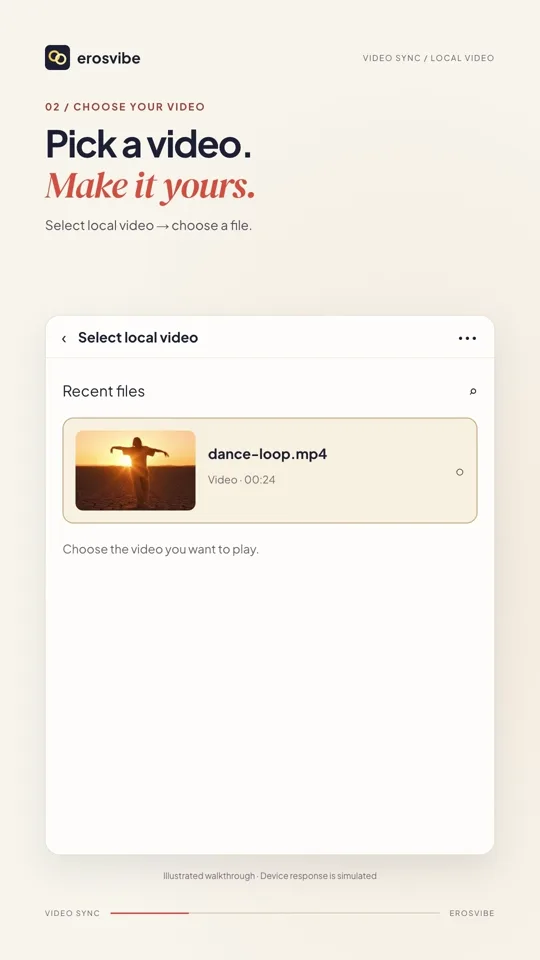
Choose a local video
Tap Select local video and choose your own file.
- 03
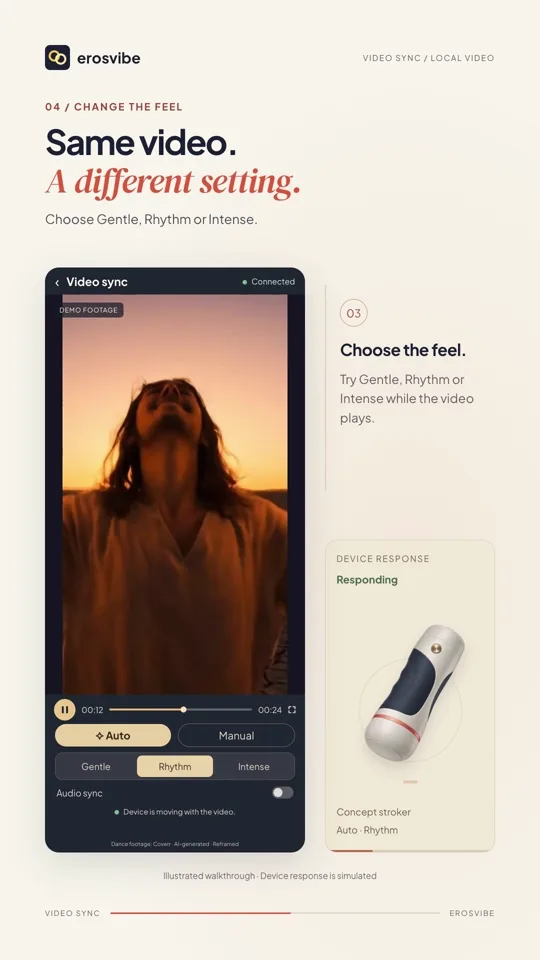
Adjust Auto mode
During playback, choose an Auto option such as Gentle or Rhythm.
- 04
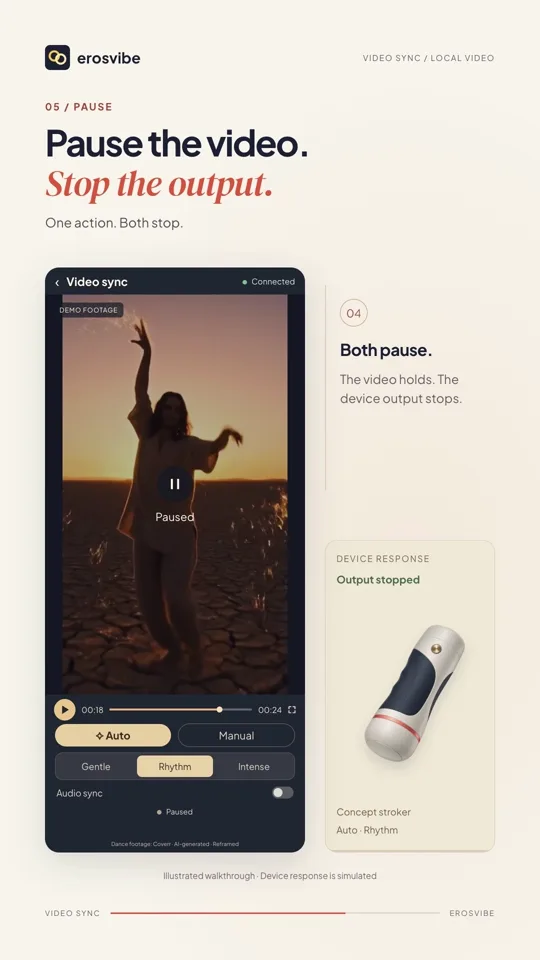
Pause and resume
Pausing stops output in the illustrated Auto flow. Resume continues from the same position.
Keep in mind
The dance clip and device response are illustrative. Actual behavior depends on the media, device and supported features.
Read the related manual sectionYou might need next
 0:54
0:54Video + step-by-step guide
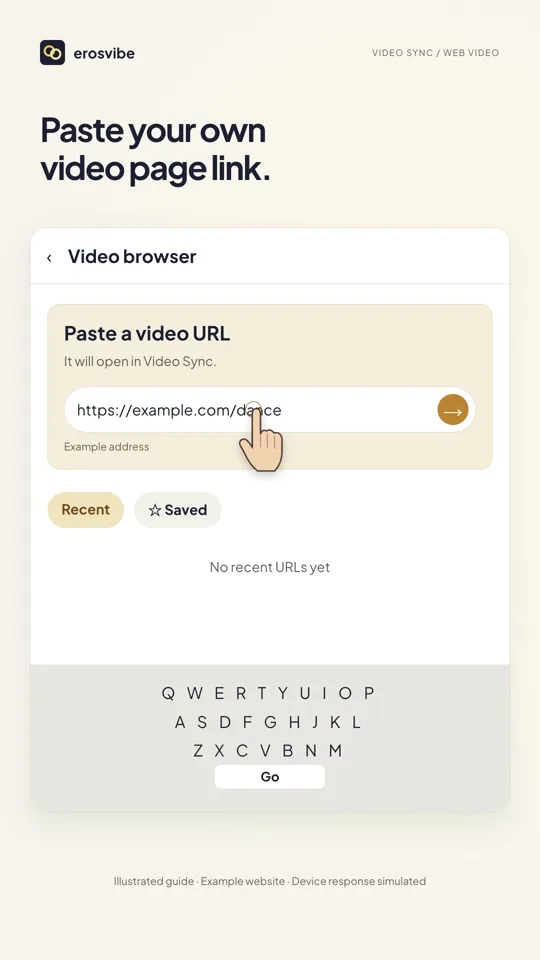
Sync a video webpage
Paste a video page link, open linked controls and save the page.
View guide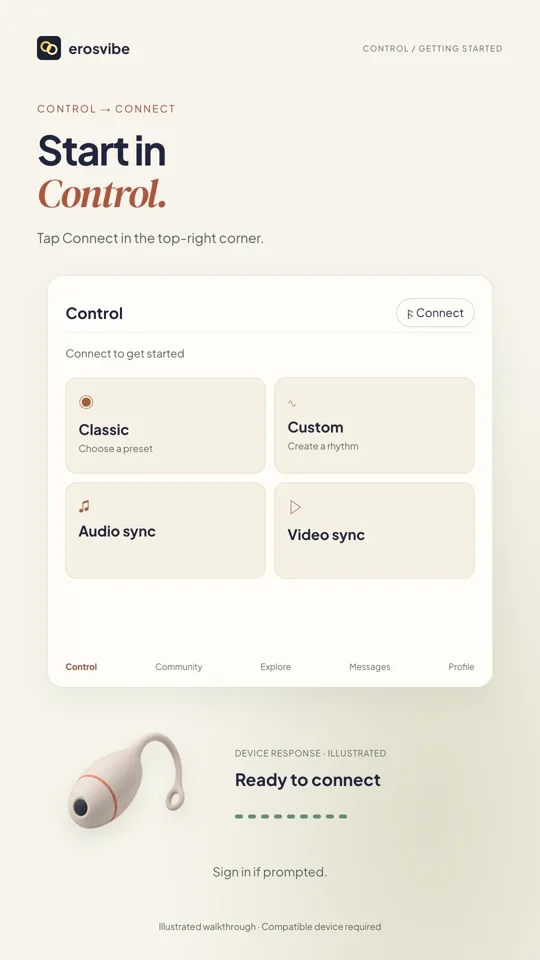 1:00
1:00Video + step-by-step guide
Connect a device. Try Classic.
Connect using your device code, then choose, change and stop a pattern.
View guide