
Control / WALKTHROUGH
Sync a video webpage
Paste a video page link, open linked controls and save the page.
BEFORE YOU START
Connect a compatible device and have your own playable video webpage link ready.
Follow along, step by step.
Choose a timestamp to jump in. Select an image to enlarge it.
- 01
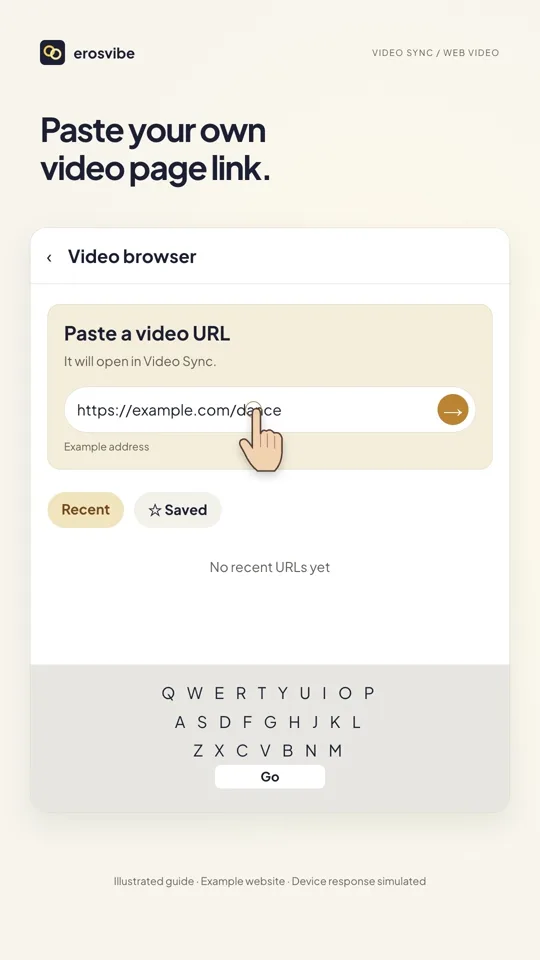
Paste your page link
Open Video sync → Paste a video URL, enter your own link and tap Go.
- 02
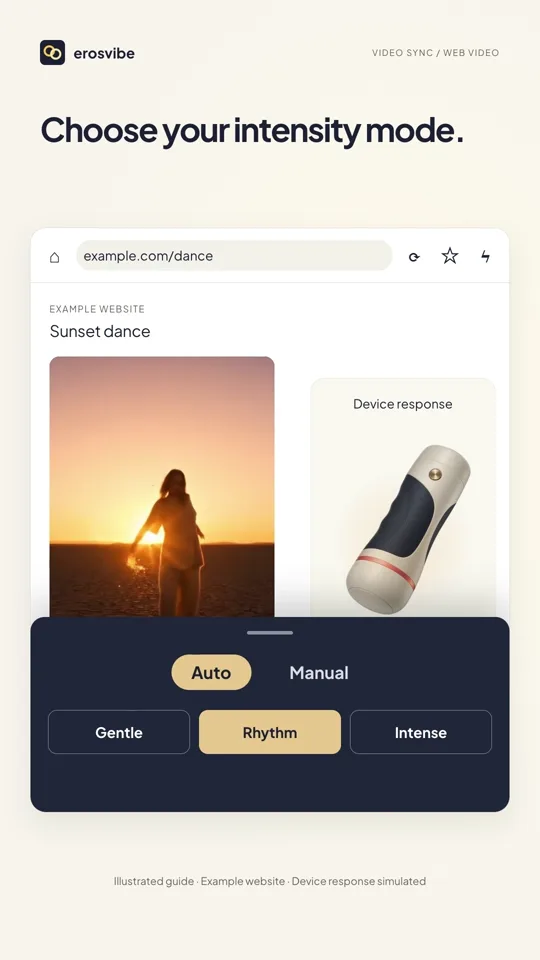
Play and open linked controls
Play the webpage video, tap the lightning icon for Linked controls and choose an Auto mode.
- 03
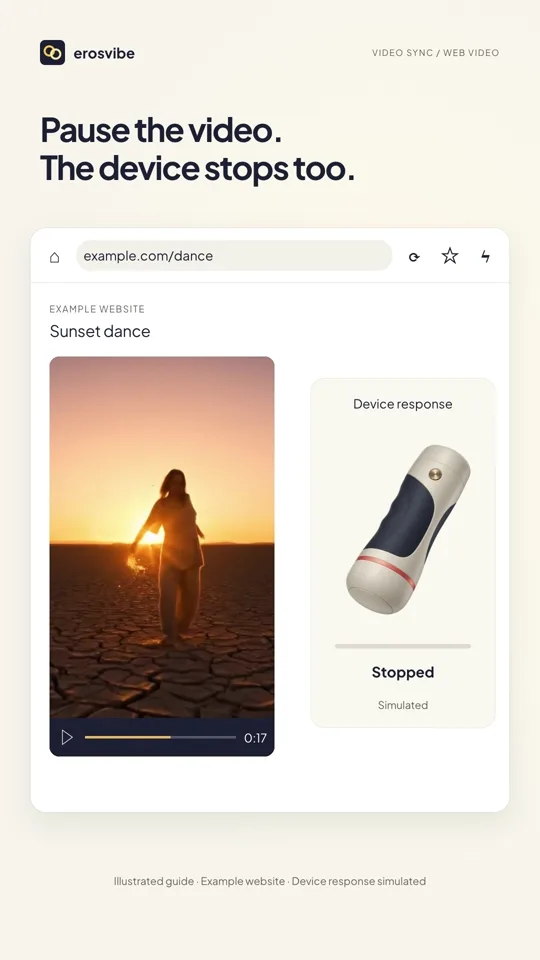
Pause and resume
Pause the webpage player to stop Auto output; resume playback to continue.
- 04
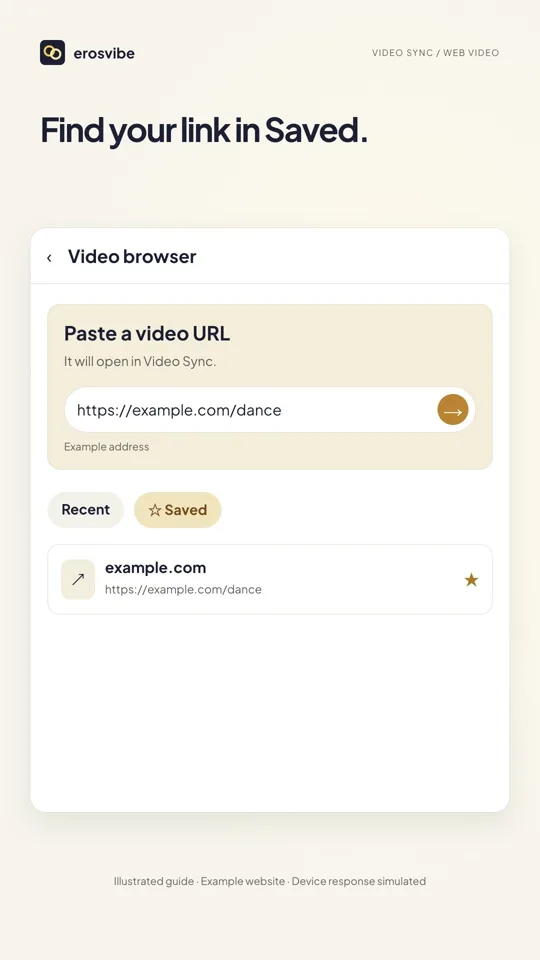
Find it again in Saved
Tap the star, then Home to return to the browser start page. Find the page under Saved.
Keep in mind
The on-screen example.com/dance address is illustrative, not a working video link. Playback and linked control support vary by website.
Read the related manual sectionYou might need next
 0:44
0:44Video + step-by-step guide
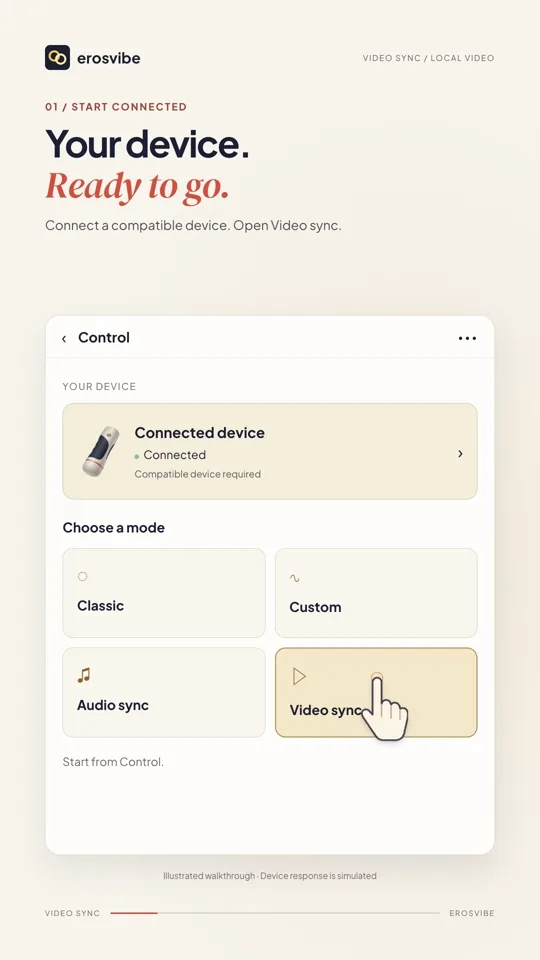
Sync a local video
Choose a video on your phone, adjust the mode, then pause and resume.
View guide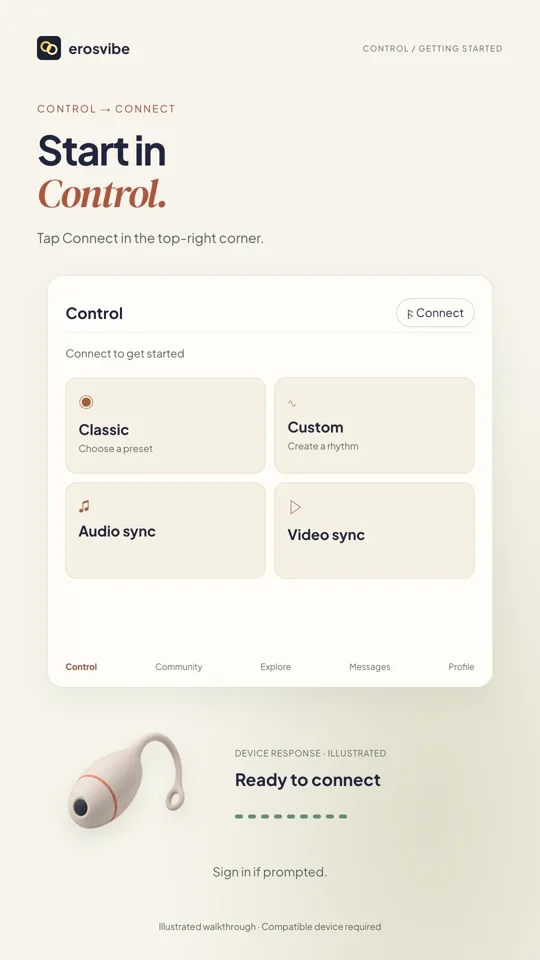 1:00
1:00Video + step-by-step guide
Connect a device. Try Classic.
Connect using your device code, then choose, change and stop a pattern.
View guide