
Profile / WALKTHROUGH
Check membership and points
Check your membership status, points balance and top-up and spending history.
BEFORE YOU START
Sign in to your own account. The video uses a sample Plus member and illustrative transactions.
Follow along, step by step.
Choose a timestamp to jump in. Select an image to enlarge it.
- 01
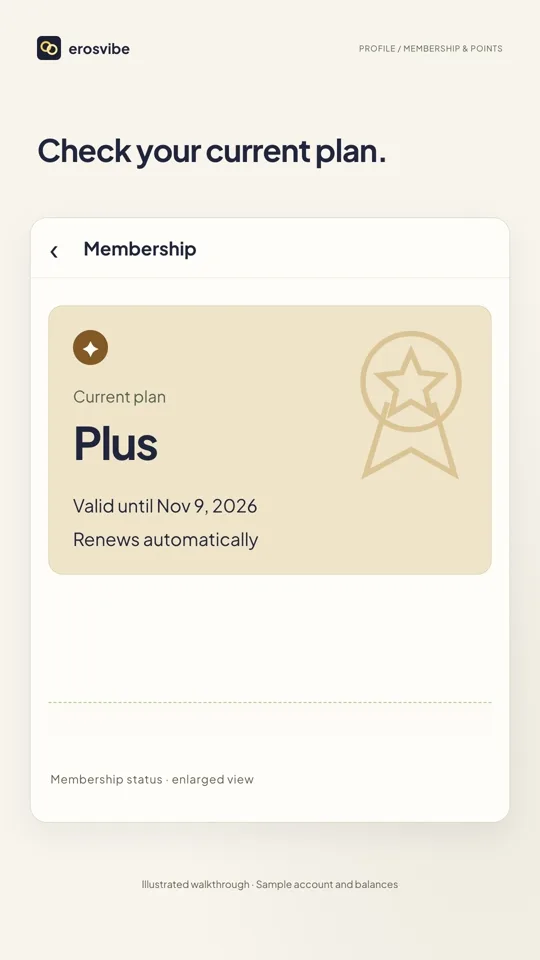
Check membership status
Tap the membership entry in Profile to see the current plan, validity and renewal status.
- 02
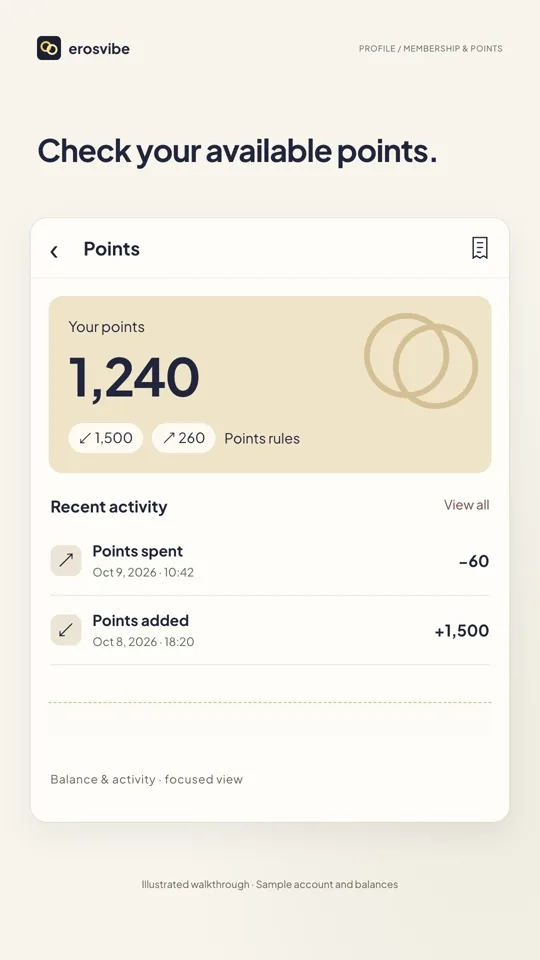
Open your points balance
Return to Profile and tap Points to view your balance.
- 03
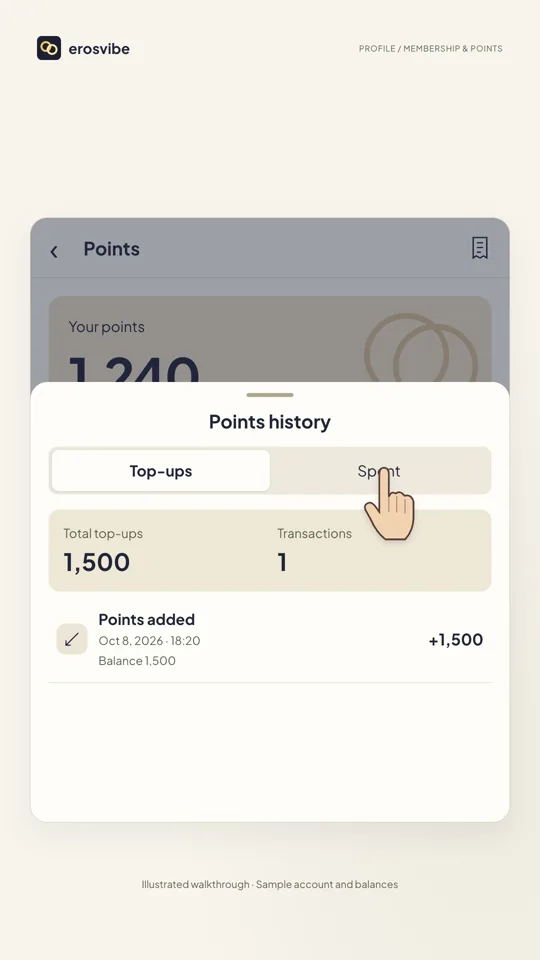
View transaction history
Tap the receipt icon for Points history. Use Top-ups for additions and Spent for spending.
- 04
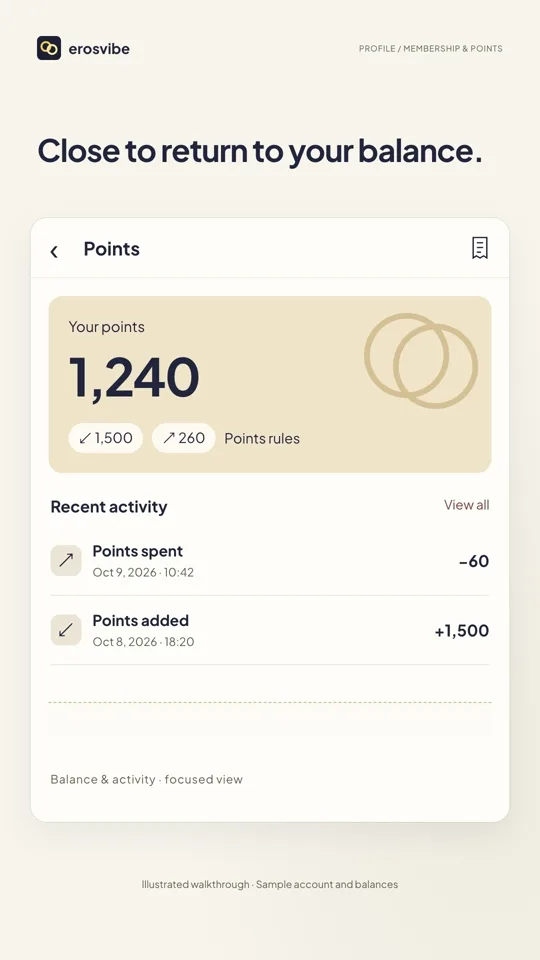
Return to your points
Tap outside the sheet to close history and return to the same balance.
Keep in mind
Sample balances, dates and transactions are not prices or benefit promises. This guide covers viewing information, not purchases, restoration or payment.
Read the related manual sectionYou might need next
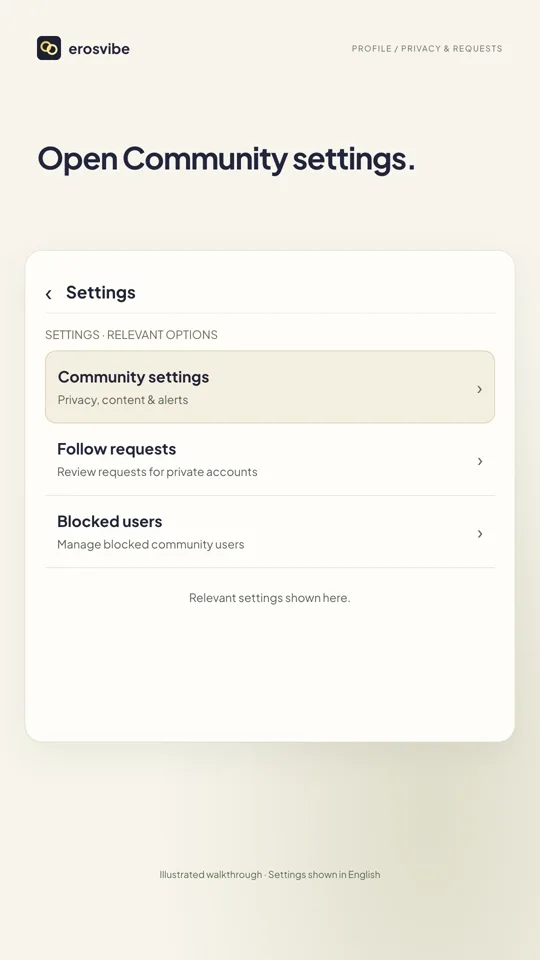 1:14
1:14Video + step-by-step guide
Set privacy and message permissions
Control community privacy, stranger requests and alerts, then handle requests.
View guide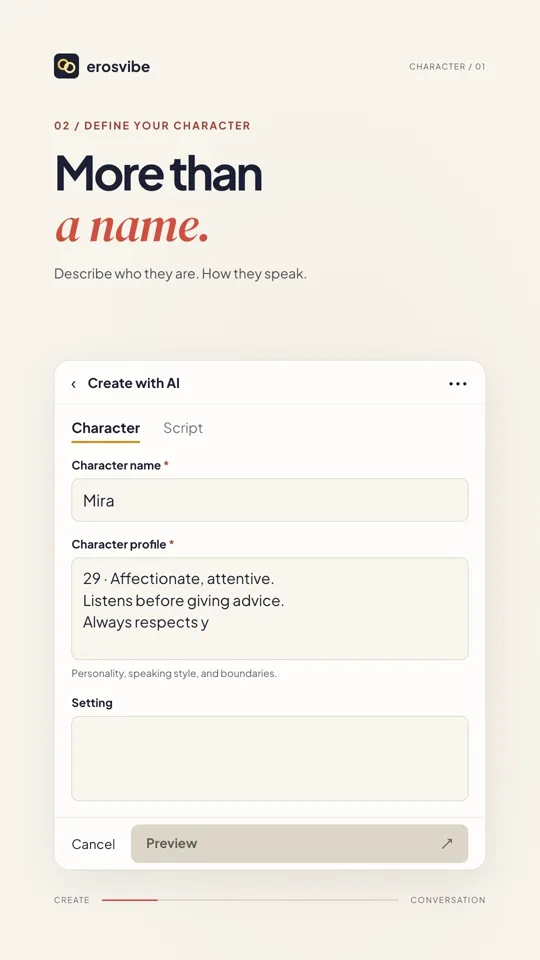 1:24
1:24Video + step-by-step guide
Create a character and start chatting
Define a personality, add a cover and start talking with your character.
View guide