
Profile / WALKTHROUGH
Set privacy and message permissions
Control community privacy, stranger requests and alerts, then handle requests.
BEFORE YOU START
Sign in and start from Settings in Profile.
Follow along, step by step.
Choose a timestamp to jump in. Select an image to enlarge it.
- 01
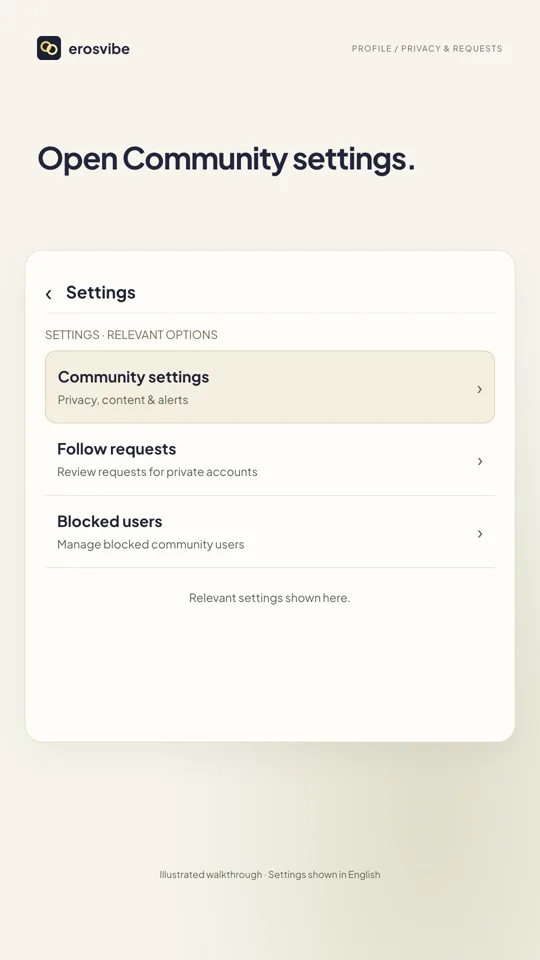
Open Community settings
Open Profile → Settings → Community settings.
- 02
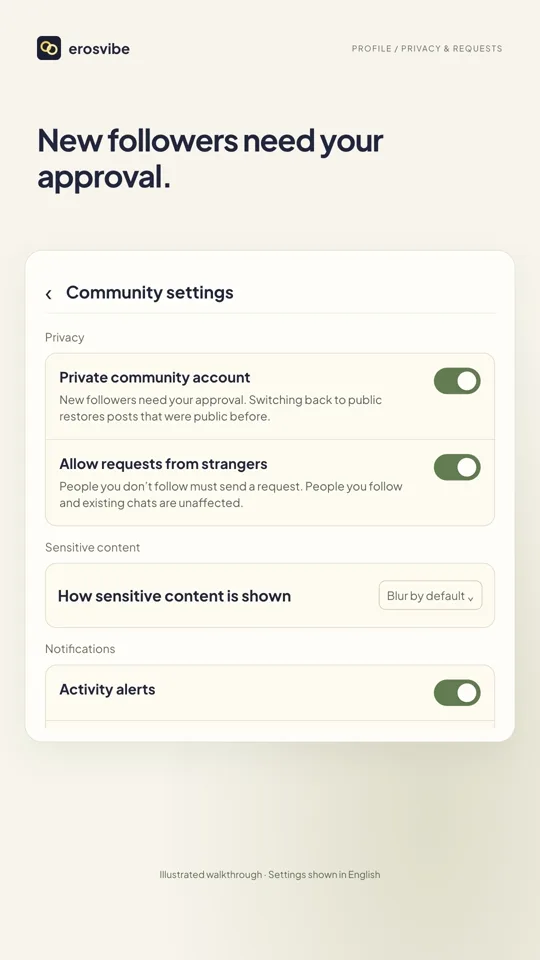
Set privacy and requests
A private community account requires approval for new followers. Choose whether to allow stranger message requests.
- 03
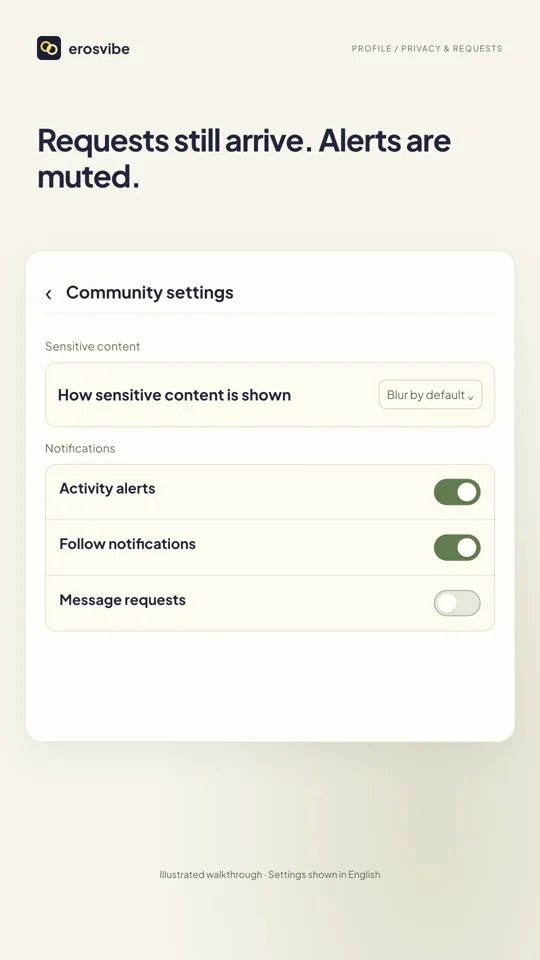
Adjust notifications separately
Adjust message request alerts under Notifications. These controls are separate from contact permissions.
- 04
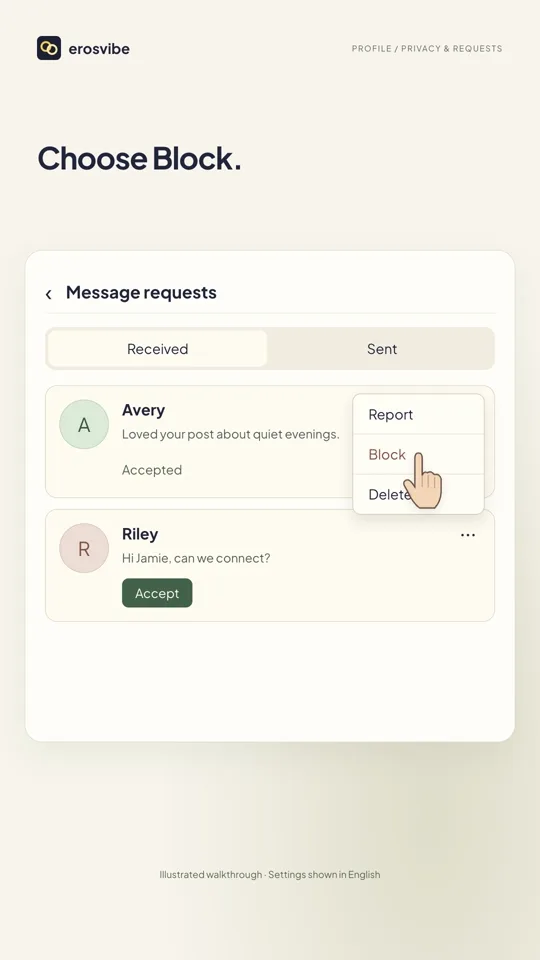
Handle received requests
Open Messages → Chats → Message requests. Accept a request, or use its menu to Block and confirm.
Keep in mind
Turning off stranger requests does not block people you follow or existing chats. Turning off notifications only changes alerts. Check that updates succeed.
Read the related manual sectionYou might need next
 1:04
1:04Video + step-by-step guide
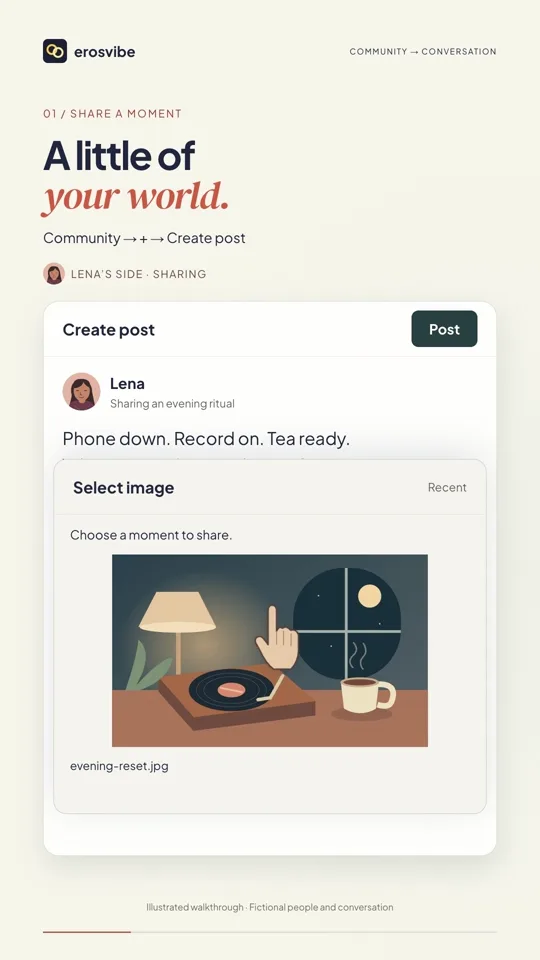
From a post to a conversation
Publish a post, visit a profile and connect through a message request.
View guide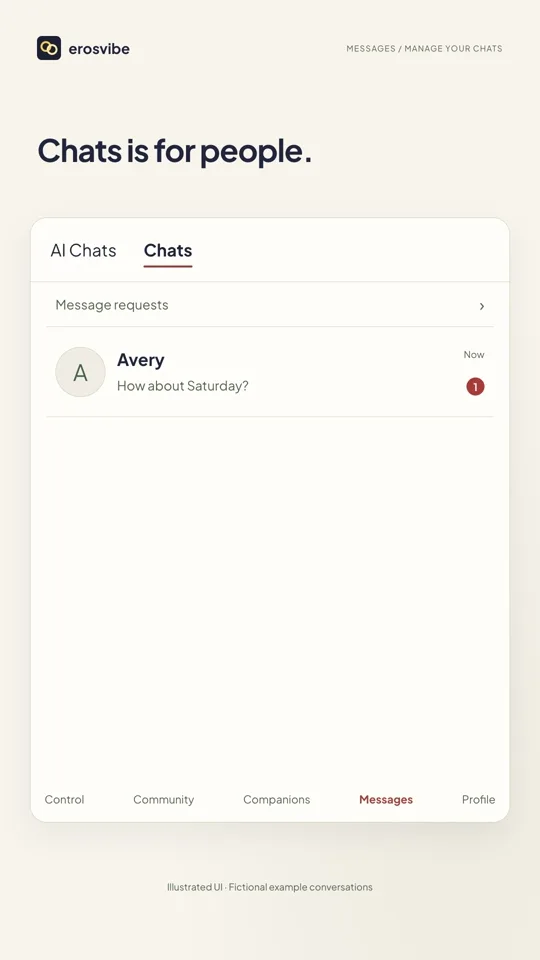 0:56
0:56Video + step-by-step guide
Find and manage your chats
Separate AI and human chats, and learn to cancel or confirm chat removal.
View guide